Вовед
This manual provides comprehensive instructions for the ORICO EB05 256GB Dual USB 3.0 Flash Drive. This device is designed for convenient data transfer and storage across a wide range of devices, including smartphones, tablets, and computers. Its dual USB-C and USB-A connectors, combined with a durable metal housing and swivel design, offer versatile and reliable performance.
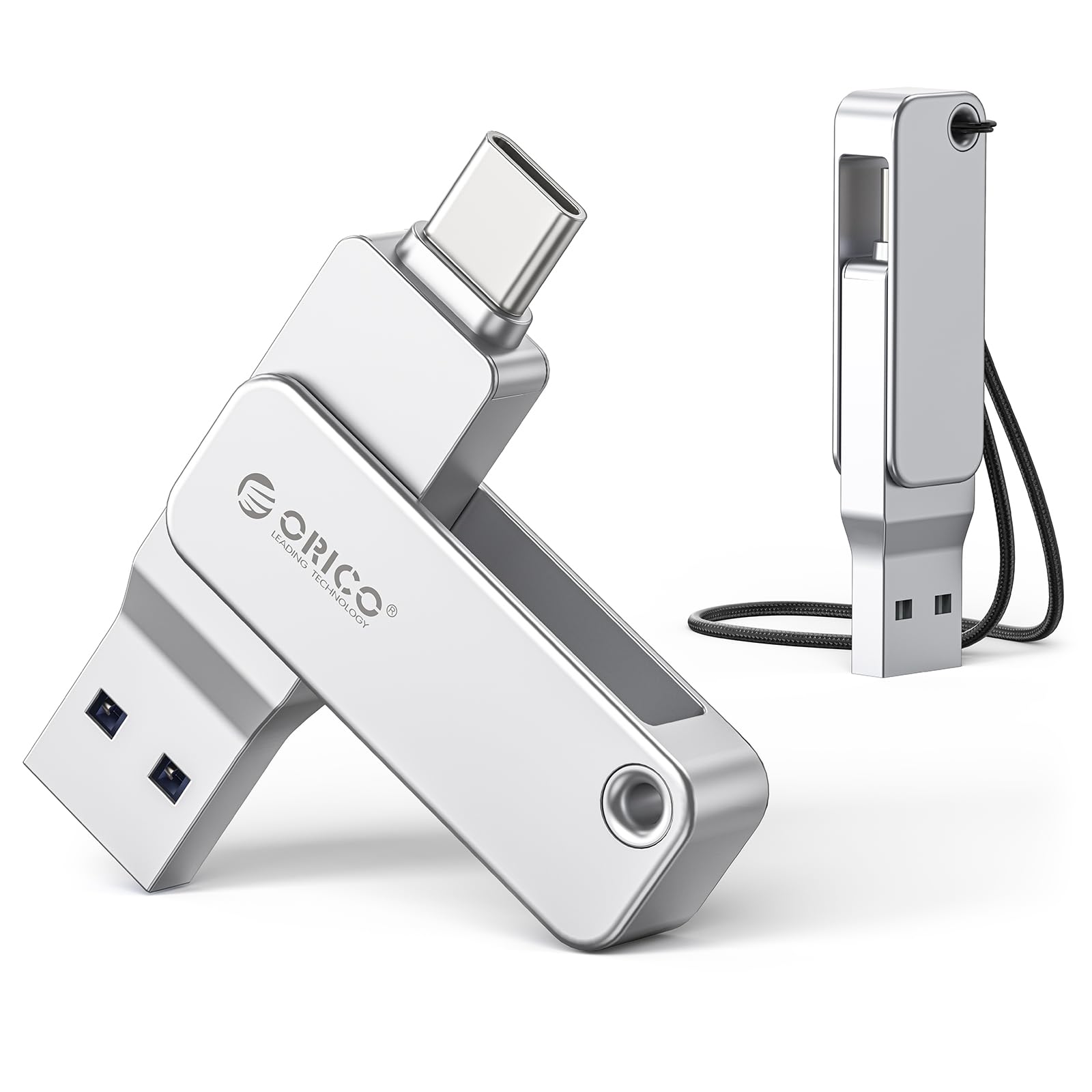
Image: The ORICO EB05 Dual USB Flash Drive, showcasing its compact design and dual connectors.
Што има во кутијата
The ORICO EB05 Dual USB 3.0 Flash Drive package includes the following items:
- ORICO EB05 Dual USB 3.0 Flash Drive (256GB)
- Ланјард
- Упатство за употреба (овој документ)

Image: The ORICO EB05 Flash Drive shown with its retail packaging and included lanyard.
Клучни карактеристики
- 256GB Storage Capacity: Обезбедува ample space for thousands of photos, videos, music, and documents.
- Dual USB-C & USB-A Connectors: Offers broad compatibility with modern and traditional devices, including smartphones (iPhone 15+, Android), tablets, laptops, and computers.
- Пренос на податоци со голема брзина: Features USB 3.0 performance with read speeds up to 150MB/s, enabling quick transfer of large files.
- Издржливо метално куќиште: Constructed from zinc alloy for enhanced durability and protection of your data.
- Дизајн со вртлив 360°: Allows for easy switching between USB-C and USB-A connectors without the risk of losing a cap.
- Функционалност Plug-and-Play: No software installation required; simply connect to your device to begin use.
- Компактен и пренослив: Slim design fits easily in pockets, wallets, or attached to a keychain.

Image: Close-up of the ORICO EB05 Flash Drive highlighting its dual USB-A and USB-C interfaces and 360-degree swivel mechanism.
Поставување
The ORICO EB05 Flash Drive is designed for plug-and-play operation, requiring no special drivers or software installation.
- Идентификувај го конекторот: Determine whether your device requires a USB-A or USB-C connection. The flash drive features a 360° swivel design to switch between these two interfaces.
- Поврзете се со уред: Insert the appropriate connector (USB-A or USB-C) into the corresponding port on your smartphone, tablet, or computer.
- Пристап до складирање: Your device should automatically recognize the flash drive as external storage. You can then access it through your device's file manager or explorer.
Video: Demonstrates the plug-and-play functionality and dual USB-A and USB-C connectors of the ORICO EB05 Flash Drive, showing it being connected to various devices.
Упатства за работа
Пренесување files with the ORICO EB05 is straightforward:
- Отвори File Менаџер: На вашиот компјутер, отворете File Explorer (Windows) or Finder (Mac). On a smartphone or tablet, open your device's file апликација за управување.
- Locate Flash Drive: The ORICO EB05 will appear as a removable drive (e.g., "ORICO" or "USB Drive").
- Трансфер Files:
- За копирање files до the flash drive: Drag and drop files from your device's internal storage to the flash drive's folder.
- За копирање files од the flash drive: Drag and drop files from the flash drive's folder to your device's internal storage.
- Безбедно исфрлање: Before removing the flash drive, always safely eject it from your operating system to prevent data corruption.
- Windows: Right-click the drive icon in File Explorer and select "Eject."
- Mac: Drag the drive icon to the Trash or click the Eject button next to the drive name in Finder.
- Android/iOS: Follow your device's specific instructions for safely unmounting external storage.

Image: A person using the ORICO flash drive to transfer photos directly from a smartphone, illustrating its mobile compatibility.
Video: Demonstrates seamless file transfer between an iPhone and an Android phone using the ORICO EB05 Dual USB Flash Drive.
Компатибилност
The ORICO EB05 is designed for broad compatibility with various operating systems and devices:
- Оперативни системи: Mac OS, Windows, Linux.
- Паметни телефони: Android phones with USB-C, iPhone 15 series and newer with USB-C.
- Таблети: iPads with USB-C, Android tablets with USB-C.
- Лаптопи/Компјутери: Devices with USB-A or USB-C ports (e.g., MacBook, Windows laptops, desktop PCs).
- Други уреди: Smart TVs, car audio systems, projectors, and other devices supporting USB storage.
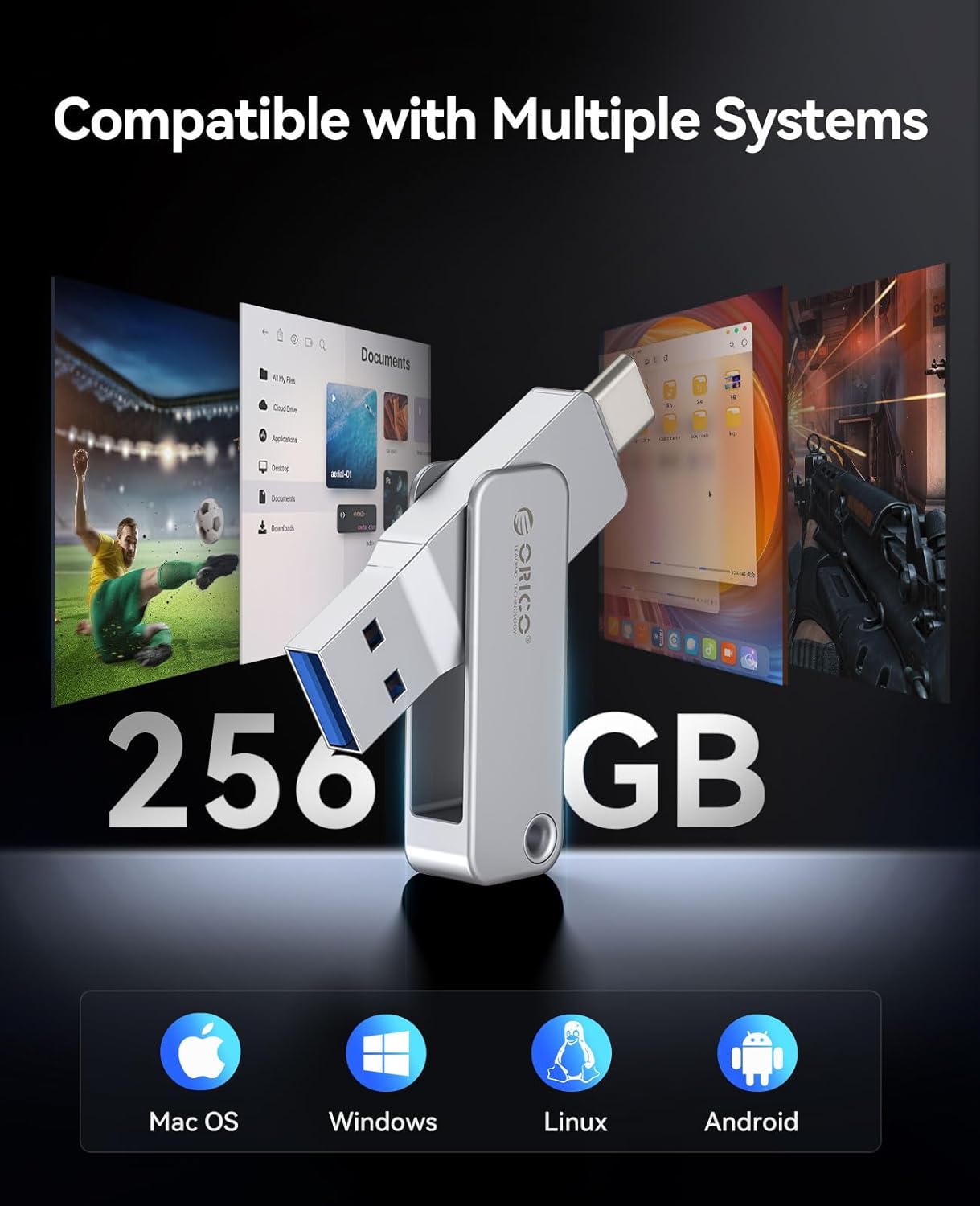
Image: Visual representation of the ORICO EB05 Flash Drive's compatibility with multiple operating systems including Mac OS, Windows, Linux, and Android.
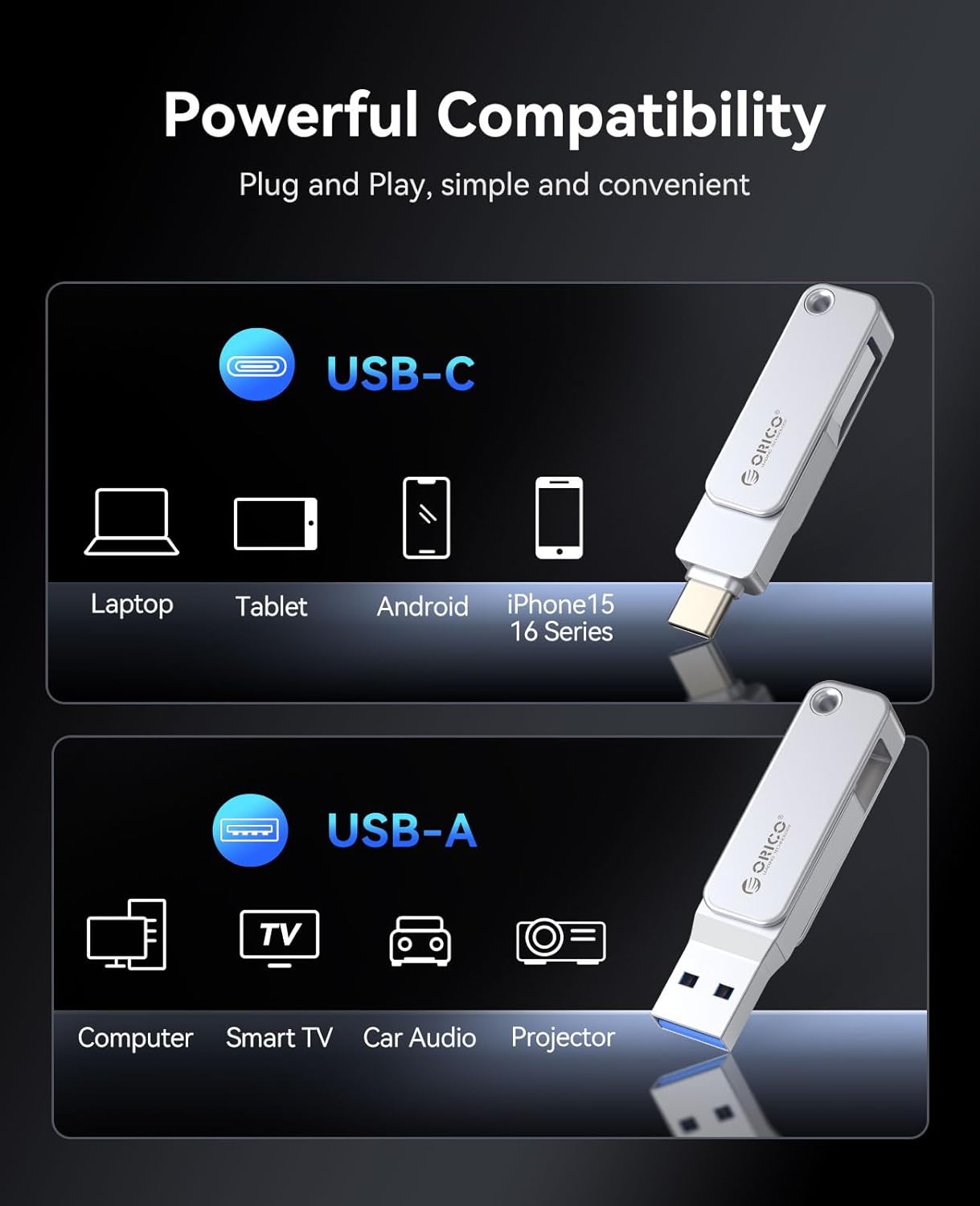
Image: The ORICO EB05 Flash Drive demonstrating its powerful compatibility by connecting to a laptop, tablet, and smartphone via USB-C and USB-A.
Спецификации
| Карактеристика | Детал |
|---|---|
| Име на моделот | EB05 |
| Капацитет за складирање на меморија | 256 GB |
| Брзина на читање | До 150 MB/s |
| Брзина на пишување | 80 GB/s (Note: Actual write speeds may vary based on device and file тип) |
| Технологија за поврзување | USB 3.0 |
| Хардверски интерфејс | USB тип А, USB тип C |
| Материјал | Zinc Alloy Metal Housing |
| Посебни карактеристики | Dual USB Connector, Dust Proof, Lightweight, 360° Swivel Design |
| Боја | Сребрена |
| Тежина на ставката | 2.11 унци |
| Димензии на пакетот | 5.2 x 3.43 x 0.75 инчи |
Одржување
To ensure the longevity and optimal performance of your ORICO EB05 Flash Drive, follow these maintenance guidelines:
- Безбедно исфрлање: Always safely eject the flash drive from your device before physically removing it to prevent data corruption.
- Физичка заштита: The metal housing provides durability, but avoid excessive force, dropping, or exposing the drive to extreme temperatures or liquids.
- Чистење: Use a soft, dry cloth to clean the exterior of the flash drive. Do not use harsh chemicals or abrasive materials.
- Складирање: When not in use, store the flash drive in a cool, dry place, ideally in a protective pouch or attached to the included lanyard to prevent loss.
Решавање проблеми
If you encounter issues with your ORICO EB05 Flash Drive, consider the following:
- Дискот не е препознаен:
- Ensure the flash drive is fully inserted into the correct USB-A or USB-C port.
- Обидете се да се поврзете на друг USB порт на вашиот уред.
- Рестартирајте го компјутерот или уредот.
- Check your device's operating system for any driver updates or external storage settings.
- Бавни брзини на пренос:
- Ensure you are using a USB 3.0 compatible port on your device for optimal speeds. USB 2.0 ports will result in slower transfers.
- Голем број на мали files can transfer slower than a single large file со иста вкупна големина.
- Other background processes on your computer might be affecting transfer speeds.
- Не може да се пишува Files:
- Проверете дали дискот е полн. Избришете ги непотребните. files да ослободи простор.
- Ensure the drive is not set to read-only mode (though this model typically does not have a physical write-protect switch).
- Потврди file system compatibility. The drive is typically formatted as ExFAT for broad compatibility. If you are having issues, you may need to reformat the drive (this will erase all data).
Гаранција и поддршка
The ORICO EB05 Dual USB 3.0 Flash Drive comes with a 3-годишна ограничена гаранција. For warranty claims, technical support, or further assistance, please contact ORICO customer service through their official webлокацијата или продавачот на мало каде што е купен производот.
Ве молиме зачувајте го доказот за купување за потврда на гаранцијата.


