1. Вовед
This manual provides essential information for setting up, operating, maintaining, and troubleshooting your HP Omen 45L GT22 Gaming Desktop. Please read this manual thoroughly before using your new system to ensure proper functionality and longevity.
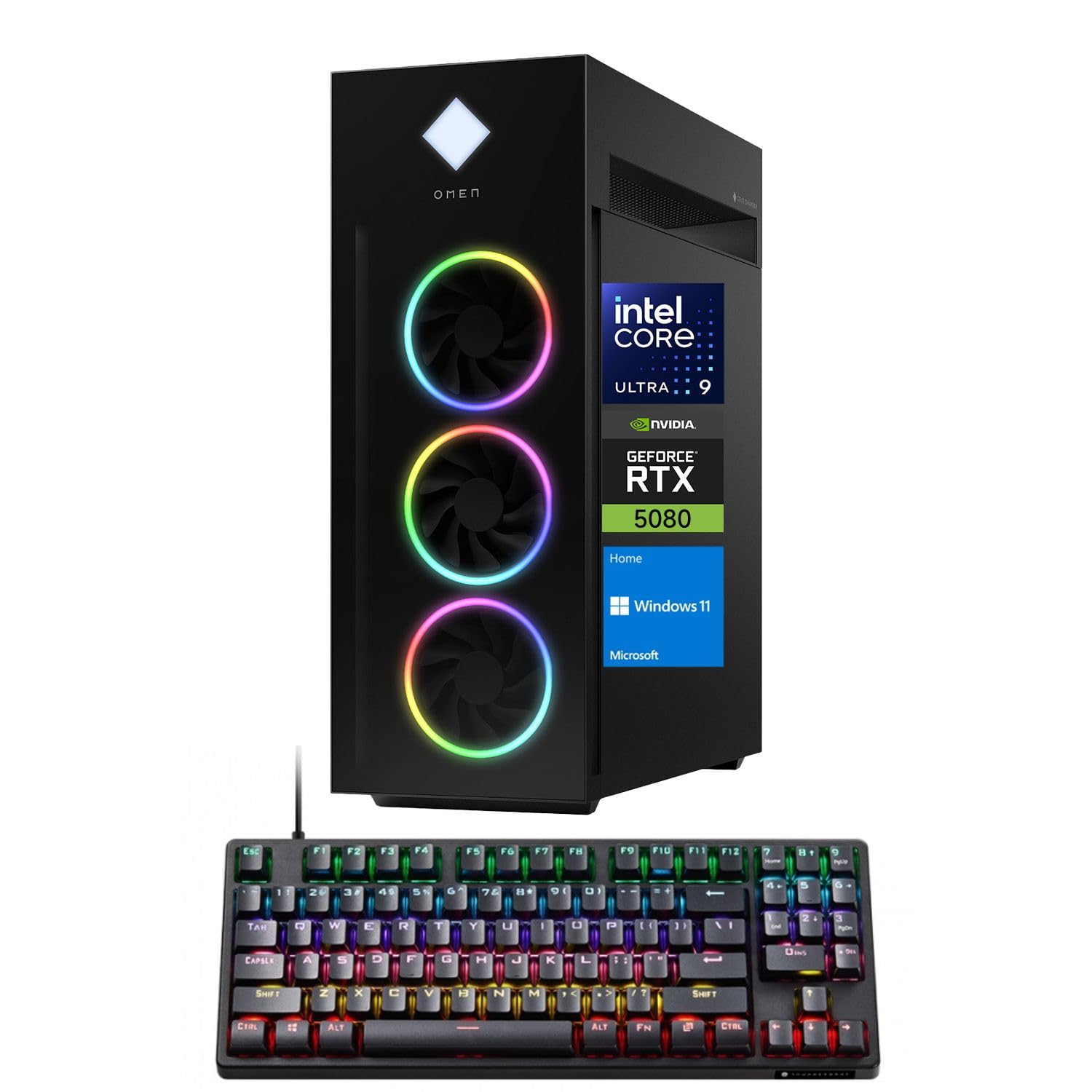
Figure 1: HP Omen 45L GT22 Gaming Desktop. This image displays the front and side of the desktop tower, highlighting its design and RGB lighting elements.
2. Што има во кутијата
Проверете дали сите компоненти се присутни во пакувањето:
- HP Gaming Tower Desktop
- Thunderobot KG3089R Gaming Keyboard
- Кабел за напојување
- Документација (ова упатство, информации за гаранцијата)
3. Водич за поставување
3.1 Отпакување и поставување
- Внимателно отстранете ја работната површина и сите додатоци од пакувањето.
- Place the desktop on a stable, flat surface with adequate ventilation around all sides. Avoid placing it in enclosed spaces or near heat sources.
3.2 Поврзување на периферни уреди
Connect your monitor, keyboard, mouse, and other devices to the appropriate ports on the desktop.

Figure 2: Rear Ports of the HP Omen 45L GT22. This image illustrates the various input/output ports available on the back of the desktop, including USB, HDMI, DisplayPort, and Ethernet.
- Монитор: Connect your monitor using an HDMI or DisplayPort cable to the dedicated graphics card ports.
- Тастатура и глушец: Connect the Thunderobot KG3089R Gaming Keyboard and your mouse to any available USB Type-A ports.
- Мрежа: For a wired connection, connect an Ethernet cable to the RJ-45 port. For wireless, ensure Wi-Fi antennas are connected (if external) or that the internal Wi-Fi is enabled during software setup.
- Моќност: Connect the power cable to the desktop's power supply port and then to a power outlet.
3.3 Првично вклучување и поставување на оперативниот систем
- Притиснете го копчето за вклучување на предната страна од работната површина.
- Следете ги упатствата на екранот за да го завршите поставувањето на оперативниот систем Windows 11 Home. Ова вклучува поставување на вашата корисничка сметка, мрежна конекција и поставки за приватност.
- Once Windows is set up, ensure all drivers are installed and updated. You can typically find driver updates through Windows Update or the HP support webсајт.
4. Упатства за работа
4.1 Управување со енергија
- Вклучување: Притиснете го копчето за вклучување на предната страна од работната површина.
- Исклучи: Кликнете на копчето „Старт“ во Windows, потоа на „Исклучување“ > „Исклучи“.
- Рестартирајте: Кликнете на копчето „Старт“ во Windows, потоа на „Вклучување“ > „Рестартирај“.
- Спиј: Кликнете на копчето „Старт“ во Windows, потоа на „Енергија“ > „Спиење“.
4.2 Understanding Your System Components
Your HP Omen 45L GT22 is equipped with high-performance components for demanding tasks and gaming.

Figure 3: Intel Core Ultra 9 285K Processor. This image highlights the specifications of the Intel Core Ultra 9 285K CPU, including its cache, cores, and threads.
- Процесор: Intel Core Ultra 9 285K (24 Cores, 24 Threads, 36MB L3 Cache, up to 5.70GHz). This powerful CPU handles complex computations and multitasking.
- Графичка картичка: NVIDIA GeForce RTX 5080 (16GB GDDR7). This dedicated GPU is responsible for rendering high-fidelity graphics for gaming and creative applications.
- Меморија: 32GB DDR5 RAM. High-speed memory ensures smooth operation when running multiple applications simultaneously.
- Складирање: 2TB PCIe NVMe M.2 SSD. Provides fast boot times and rapid data access for your operating system and applications.
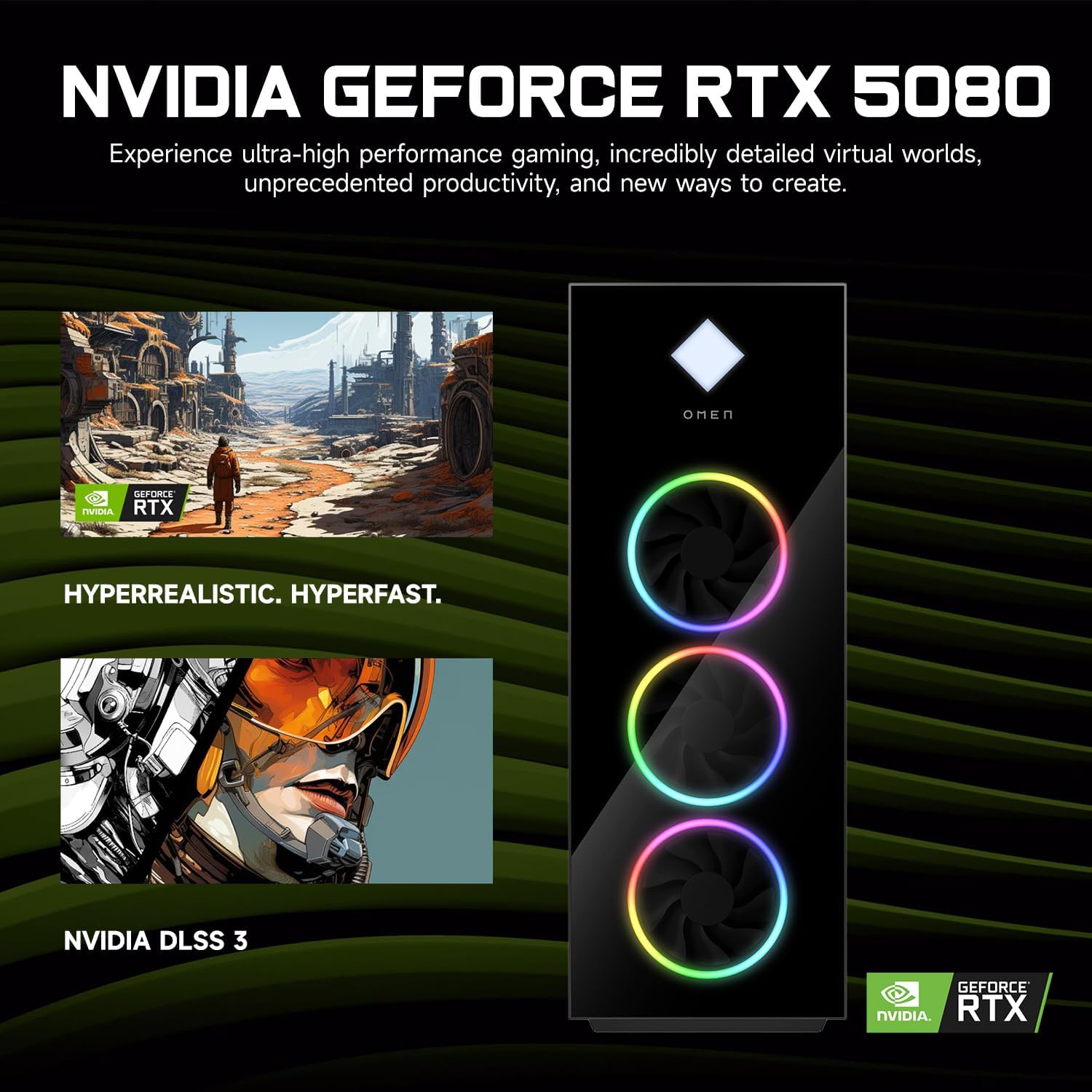
Figure 4: NVIDIA GeForce RTX 5080 Graphics. This image details the capabilities of the NVIDIA GeForce RTX 5080, emphasizing its performance for gaming and content creation.
4.3 RGB Light Studio
The HP Omen 45L GT22 features customizable RGB lighting. Use the pre-installed Omen Gaming Hub software to personalize the lighting effects on your desktop's fans and chassis. Refer to the Omen Gaming Hub's in-app help for detailed instructions on customization options.

Figure 5: Gaming Setup with HP Omen 45L GT22. This image shows the desktop integrated into a complete gaming station, including a monitor, keyboard, and mouse, demonstrating its aesthetic appeal.
5. Одржување
5.1 Чистење на вашата работна површина
- Надворешност: Use a soft, lint-free cloth to wipe down the exterior surfaces. For stubborn marks, slightly dampИзмијте ја крпата со вода. Избегнувајте груби хемикалии.
- Вентилација: Regularly check and clean the ventilation grilles and fan openings to prevent dust buildup, which can impede airflow and cause overheating. Use compressed air to gently clear dust from vents. Ensure the system is powered off and unplugged before cleaning.
5.2 Ажурирања на софтверот
Keep your operating system and drivers updated to ensure optimal performance and security.
- Ажурирања на Windows: Редовно проверувајте за и инсталирајте ажурирања преку Поставки на Windows > Ажурирање и безбедност > Windows Update.
- Ажурирања на возачот: Update graphics drivers (NVIDIA GeForce Experience) and other system drivers (HP Support Assistant or HP website) periodically.
5.3 Бекап на податоци
Редовно правете резервна копија на вашите важни податоци на надворешен диск или во облак за да спречите губење на податоци.
6 Смена на проблеми
This section addresses common issues you might encounter. For more complex problems, contact HP Support.
- Без моќност:
- Ensure the power cable is securely connected to both the desktop and the power outlet.
- Проверете дали штекерот е функционален со вклучување на друг уред.
- Check the power supply unit (PSU) switch on the back of the desktop (if present) is in the 'ON' position.
- Нема приказ на мониторот:
- Confirm the monitor is powered on and connected to the graphics card's HDMI or DisplayPort output, not the motherboard's integrated graphics ports (if applicable).
- Пробај со друг кабел или монитор ако е достапен.
- Осигурајте се дека е избран точниот влезен извор на вашиот монитор.
- Системот е бавен или не реагира:
- Затворете ги непотребните апликации што работат во позадина.
- Проверете го „Управувачот со задачи“ (Ctrl+Shift+Esc) за голема употреба на процесорот, RAM меморијата или дискот.
- Осигурајте се дека Windows и драјверите се ажурирани.
- Извршете скенирање за вируси/малициозен софтвер.
- Проблеми со мрежната поврзаност:
- For wired connections, ensure the Ethernet cable is properly connected and the router/modem is working.
- For Wi-Fi, check if Wi-Fi is enabled in Windows settings and ensure you are connected to the correct network with the right password.
- Рестартирајте го вашиот рутер/модем и работната површина.
7. Спецификации
| Карактеристика | Детал |
|---|---|
| Број на модел | GT22 |
| Процесор | Intel Core Ultra 9 285K (24 Cores, 24 Threads, 36MB L3 Cache, 3.20GHz base, up to 5.70GHz max turbo) |
| Графика | NVIDIA GeForce RTX 5080 (16GB GDDR7) |
| RAM меморија | 32GB DDR5 (4800 MHz) |
| Складирање | 2TB PCIe NVMe M.2 SSD |
| Оперативен систем | Windows 11 Home |
| Безжично поврзување | Wi-Fi 6 (802.11ax), Bluetooth |
| Порти (напред) | 2 x USB Type-A 5Gbps (HP Sleep and Charge), 2 x USB 2.0 Type-A, 1 x headphone/microphone combo, 1 x microphone |
| Порти (задни) | 1 x USB Type-C 10Gbps, 2 x USB Type-A 5Gbps, 4 x USB 2.0 Type-A, 1 x 3.5 mm audio jack, 1 x RJ-45, 1 x Thunderbolt 4 with USB Type-C 40Gbps, 1 x HDMI, 3 x DisplayPort, 5 x Audio Port |
| Димензии (ДxШxВ) | 21.85 x 18.5 x 8.03 инчи |
| Тежина | 49.8 фунти |
| Боја | Црното |
8. Гаранција и поддршка
For warranty information, please refer to the documentation included with your product or visit the official HP support website. HP provides various support resources, including drivers, manuals, and troubleshooting guides.
Поддршка на HP Webсајт: support.hp.com
When contacting support, please have your product model number (GT22) and serial number ready.