Вовед
Ви благодарам за купувањетоasing the CHEREEKI Digital LED Alarm Clock. This manual provides detailed instructions for setting up and operating your new alarm clock. Please read it thoroughly before use and keep it for future reference.
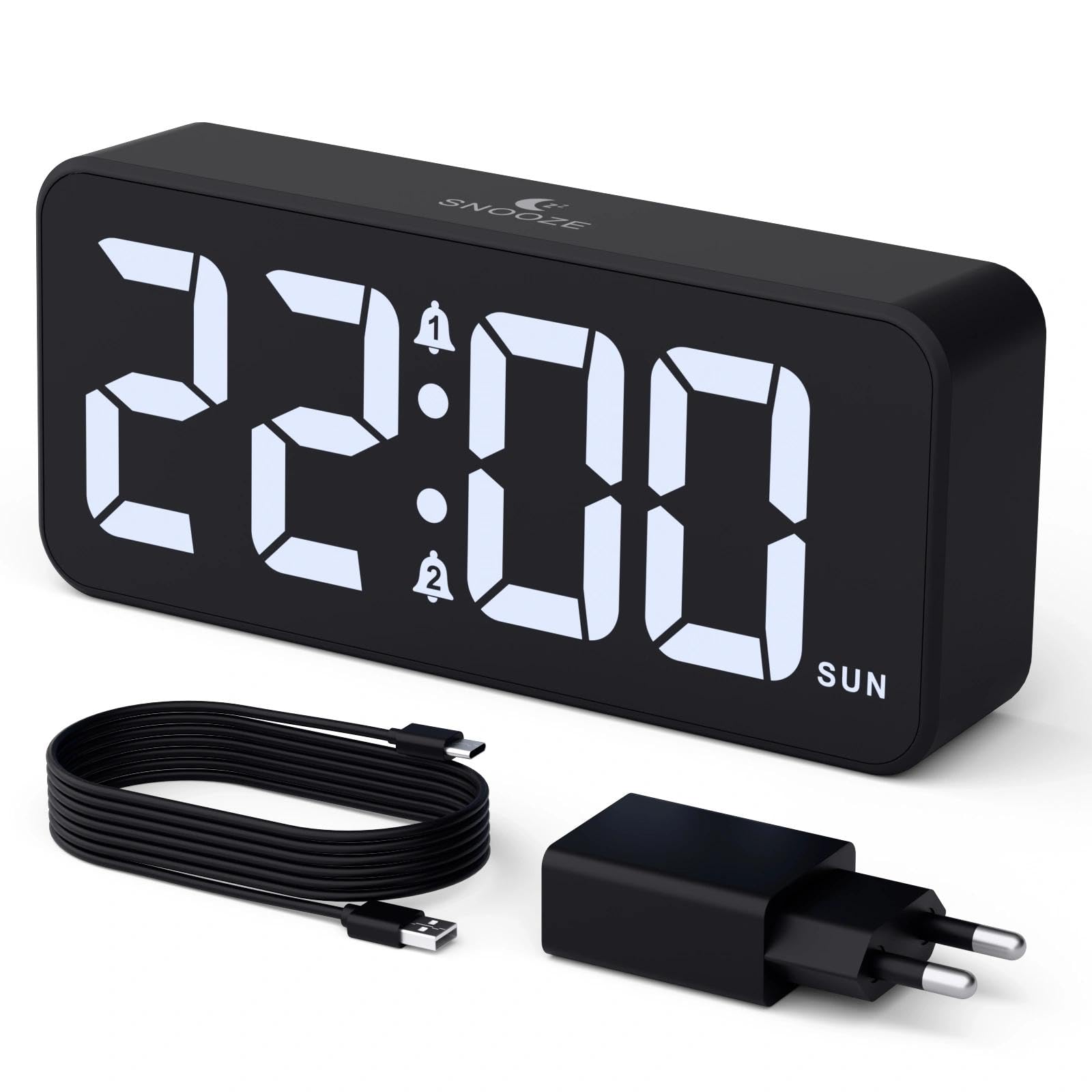
Image: The CHEREEKI Digital LED Alarm Clock, showcasing its large LED display and key features.
Информации за безбедност
- Ensure the power adapter and cable are compatible with the device's voltage requirements (5V/1A or 5V/2A).
- Не го изложувајте уредот на вода или прекумерна влажност.
- Избегнувајте да го ставате уредот во близина на извори на топлина или на директна сончева светлина.
- Не обидувајте се сами да го расклопите или поправите уредот. Контактирајте ја службата за корисници доколку се појават проблеми.
- Да се чува подалеку од дофат на деца.
Содржина на пакетот
- CHEREEKI Digital LED Alarm Clock
- Power Adapter (5V/1A or 5V/2A)
- USB кабел за полнење (1.5 м)
- Упатство за употреба
- CR2032 Backup Battery (pre-installed or included)

Слика: Илустрација на артиклите вклучени во пакувањето на производот.
Распоред на производот и контроли

Image: Rear panel of the alarm clock with labels for all buttons and ports.
- Копче за поставување време: Притиснете за да влезете во режим на поставување време.
- Копче за аларм 1: Press to set Alarm 1.
- Копче за аларм 2: Press to set Alarm 2.
- Копчиња горе/долу: Adjust values during setting.
- Dimmer Knob: Rotate to adjust display brightness (0-100%).
- Копче за јачина на звук: Rotate to adjust alarm volume (10 levels).
- USB излезна порта: За полнење на надворешни уреди.
- Влезна порта од тип C: For power supply to the alarm clock.
- DST копче: For Daylight Saving Time adjustment.
- Оддел за батерии: Houses the CR2032 backup battery.
Поставување
1. Поврзување за напојување
The alarm clock operates solely on AC power. Connect the provided USB cable to the Type-C input port on the back of the clock and plug the adapter into a standard wall outlet (5V/1A or 5V/2A). The display will light up.

Image: The alarm clock connected to a power source via its adapter.
2. Резервна батерија
A CR2032 backup battery is included to retain time and alarm settings during power outages. This battery does not power the display or alarm functions; it only preserves memory. Ensure the battery is correctly installed in the compartment on the back of the clock.

Image: Close-up of the backup battery compartment, indicating its purpose to retain settings during power loss.
Упатства за работа
Поставување на времето
- Press the "TIME SET" button. The hour digits will flash.
- Користете ги копчињата „ГОРЕ“ или „ДОЛУ“ за да го прилагодите часот.
- Press "TIME SET" again to confirm the hour and move to minute setting. The minute digits will flash.
- Use the "UP" or "DOWN" buttons to adjust the minutes.
- Press "TIME SET" once more to confirm the minutes and exit time setting mode.
Поставување аларми (Аларм 1 и Аларм 2)
This clock supports two independent alarms with three scheduling options.
- Press the "ALARM 1" or "ALARM 2" button. The alarm hour digits will flash.
- Користете ги копчињата „ГОРЕ“ или „ДОЛУ“ за да го прилагодите часот на алармот.
- Press the respective alarm button again to confirm the hour and move to minute setting. The minute digits will flash.
- Use the "UP" or "DOWN" buttons to adjust the alarm minutes.
- Press the alarm button again to select the alarm schedule:
- Неделни денови: од понеделник до петок
- Викенди: Сабота до недела
- Дневно: од понеделник до недела
- Press the alarm button once more to confirm the schedule and exit alarm setting mode.
- To enable/disable an alarm, press the "ALARM 1" or "ALARM 2" button briefly outside of setting mode. An alarm icon will appear/disappear on the display.

Image: The alarm clock demonstrating dual alarm settings with various scheduling options.
Функција за одложување
When the alarm sounds, touch the top of the clock to activate the 5-minute snooze function. The alarm will temporarily stop and sound again after 5 minutes. To turn off the alarm completely, press any other button on the back of the clock.
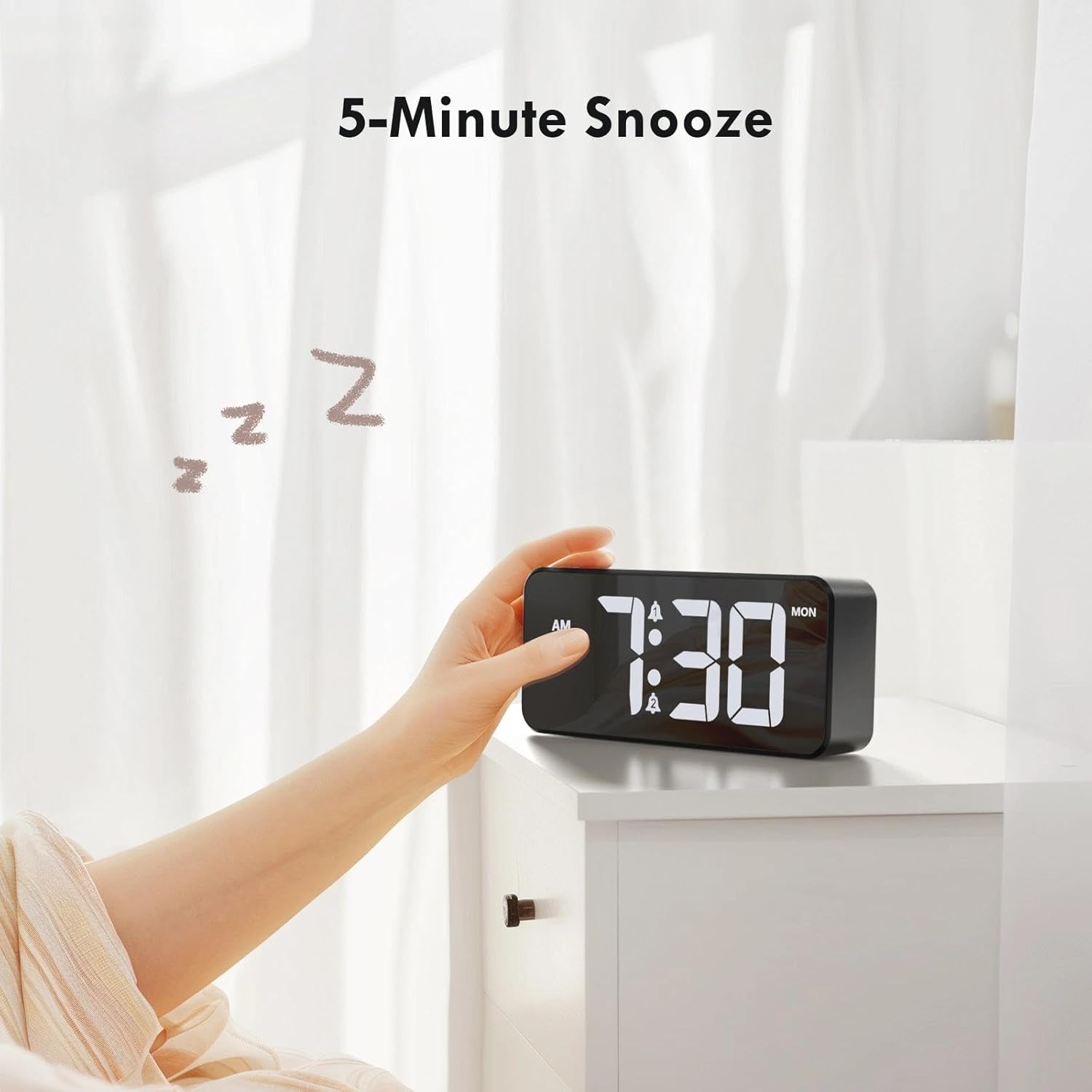
Image: A user activating the snooze function by touching the top of the alarm clock.
Прилагодување на осветленоста на екранот
Rotate the "DIMMER" knob on the back of the clock to adjust the display brightness from 0% (off) to 100% (maximum brightness). This allows for comfortable viewво каква било осветлена состојба.

Image: Visual representation of the adjustable brightness feature and the dimmer knob.
Прилагодување на јачината на звукот на алармот
Rotate the "VOLUME" knob on the back of the clock to select one of the 10 available alarm volume levels. Choose a volume that suits your preference.

Image: The volume control knob and a visual scale indicating adjustable volume levels.
Формат 12/24 часа
To switch between 12-hour and 24-hour time formats, press and hold the "TIME SET" button for a few seconds until the format changes. In 12-hour format, "AM" or "PM" indicators will be displayed.

Image: The alarm clock showing both 12-hour and 24-hour time display options.
USB порта за полнење
The USB-A output port on the back of the clock allows you to charge other devices, such as smartphones or tablets. Simply connect your device's charging cable to this port.

Image: The alarm clock charging a smartphone via its integrated USB port.
Летно сметање на времето (DST)
To adjust for Daylight Saving Time, press the "DST" button on the back of the clock. This will advance or set back the time by one hour. Press it again to revert.
Одржување
- Исчистете ја површината на часовникот со мека, сува крпа. Не користете абразивни средства за чистење или растворувачи.
- Чувајте го уредот без прашина и остатоци.
- If the backup battery needs replacement, use a CR2032 coin cell battery. Ensure correct polarity.
Решавање проблеми
| Проблем | Можна причина | Решение |
|---|---|---|
| Екранот е исклучен. | Not connected to power; Dimmer set to 0%. | Ensure the clock is plugged into a working power outlet. Rotate the Dimmer knob to increase brightness. |
| Алармот не се огласува. | Alarm not activated; Volume set to minimum. | Press the ALARM 1/2 button to activate the alarm (icon should appear). Rotate the Volume knob to increase volume. |
| Поставките се губат по исклучувањето на струјатаtage. | Резервната батерија е празна или недостасува. | Заменете ја резервната батерија CR2032. |
| USB полнењето не работи. | Clock not powered; Device cable faulty. | Ensure the alarm clock is powered. Try a different USB cable or device. |
Спецификации
- Бренд: ЧЕРЕКИ
- Модел: B0FHHKMP1X
- Боја: Црното
- Тип на приказ: Дигитална LED диода
- Материјал: Акрилонитрил бутадиен стирен (ABS)
- Димензии на производот: 14.5 x 3.81 x 6.5 cm (5.7 x 1.5 x 2.5 инчи)
- Тежина на ставката: 230 грама (0.5 lbs)
- Извор на енергија: Wired Electric (5V/1A or 5V/2A adapter)
- Резервна батерија: CR2032 (for memory retention only)
- Посебни карактеристики: Adjustable Brightness, Dual Alarm, Snooze, USB Charging Port, 12/24H Format, Adjustable Volume, Day of Week Display
Гаранција и поддршка
This CHEREEKI Digital LED Alarm Clock comes with a Доживотна гаранција. For any product inquiries, technical support, or warranty claims, please contact CHEREEKI customer service through the retailer where you purchased the product or visit the official CHEREEKI webсајт за информации за контакт.
Ве молиме зачувајте го доказот за купување за целите на гаранцијата.
