1. Производот завршиview
The NETUM Q900 is a robust handheld mobile computer designed for demanding environments such as warehousing, logistics, and asset tracking. It integrates an Android 14 operating system with a high-performance barcode scanning engine, offering reliable data capture and processing capabilities.

Слика 1.1: Напред и назад view of the NETUM Q900 device, showcasing its ergonomic design and integrated scanner.
Клучни карактеристики:
- Високи перформанси: Powered by an octa-core MT8781 processor and Android 14, with 4GB RAM and 64GB storage (expandable).
- Извонреден приказ: 5.99-inch HD IPS touchscreen with multi-touch support.
- Advanced Barcode Scanning: Equipped with a Honeywell HS7 scan engine for 1D and 2D barcodes.
- Industrial-Grade Rugged Design: IP67 rated for water and dust resistance, drop-tested from 1.5 meters.
- Глобална поврзаност: Supports global 4G LTE (dual SIM), Wi-Fi 5 (dual band), Bluetooth 5.2, and full GNSS.
- Долг век на батеријата: 5000mAh battery providing up to 13.5 hours of operation, with quick charging via USB-C or optional docking cradle.
- Модуларно проширување: Optional modules include UHF RFID, NFC, fingerprint reader, and a scan handle.
2. Водич за поставување
2.1. Содржина на пакетот
Проверете дали следните артикли се вклучени во вашиот пакет:
- NETUM Q900 Mobile Computer
- USB-C кабел за полнење
- Адаптер за напојување
- Водич за брз почеток
- (Optional) Docking Cradle, Hand Strap, other modules
2.2. Инсталација и полнење на батеријата
- Пронајдете го капакот на преградата за батерии на задната страна од уредот.
- Open the cover and insert the 5000mAh battery, ensuring the contacts align correctly.
- Добро заменете го капакот на преградата за батерии.
- Connect the USB-C cable to the device's charging port and the power adapter. Plug the adapter into a wall outlet.
- Allow the device to charge fully before first use. A full charge typically takes less than 4 hours.

Слика 2.1: Illustration of the 5000mAh battery, highlighting its long-lasting power for extended use.
2.3. Првично вклучување и основна конфигурација
- Притиснете и задржете го копчето за вклучување додека уредот не почне да вибрира и екранот не се вклучи.
- Следете ги упатствата на екранот за да го завршите почетното поставување на Android 14, вклучувајќи го изборот на јазик, Wi-Fi конекцијата и поставувањето на сметката на Google.
- Ensure the device is connected to a stable Wi-Fi network or has a 4G LTE connection for updates and application downloads.
3. Упатства за работа
3.1. Навигација преку екран на допир
The Q900 features a responsive 5.99-inch HD IPS touchscreen. Navigate the Android interface using standard touch gestures: tap, swipe, pinch-to-zoom, and long-press.
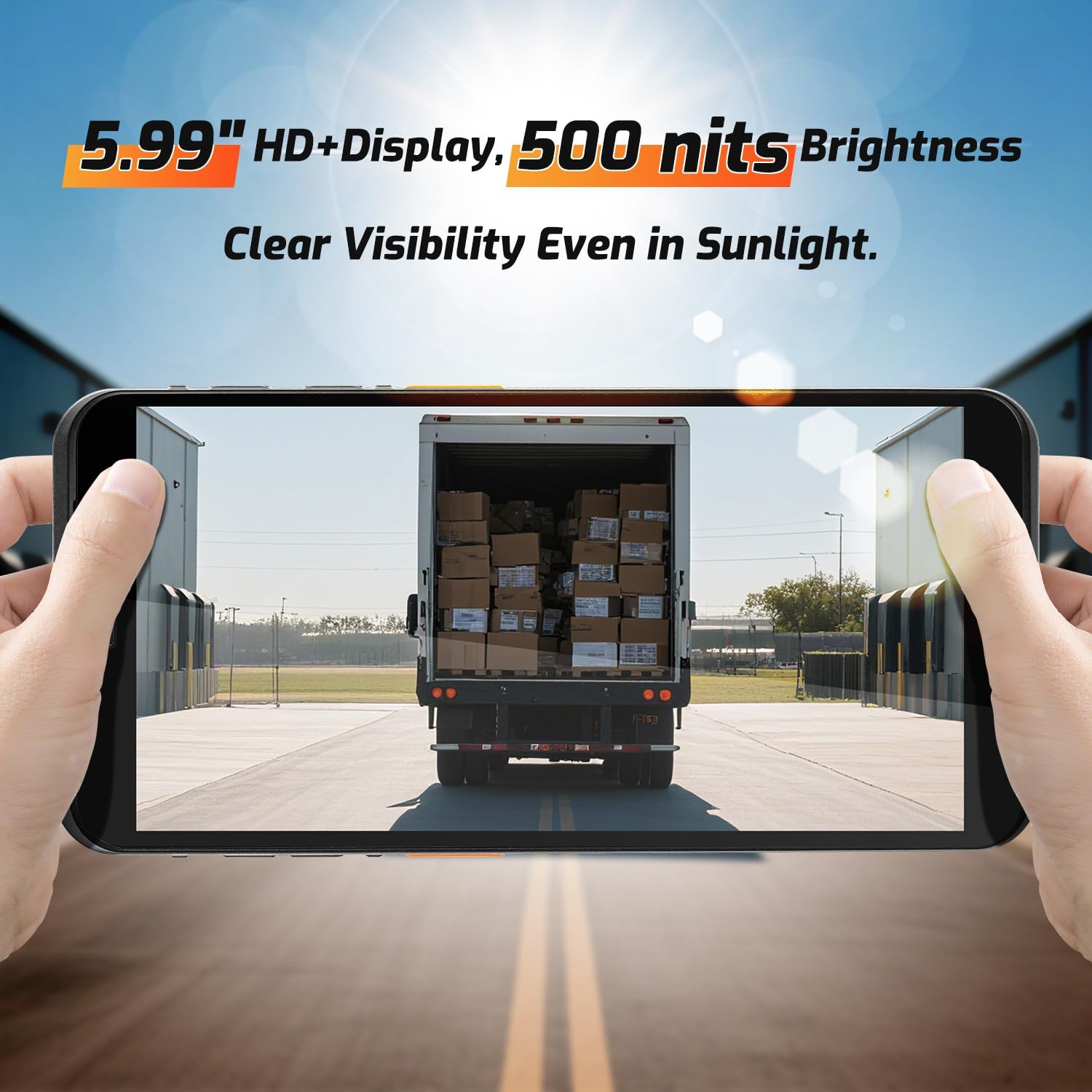
Слика 3.1: The 5.99-inch HD+ display offers clear visibility even in bright sunlight, enhancing outdoor usability.
3.2. Скенирање на баркодови
The integrated Honeywell HS7 scan engine allows for rapid and accurate capture of 1D and 2D barcodes.
- Open the scanning application or an application that supports barcode input.
- Насочете го прозорецот на скенерот (кој се наоѓа на горниот дел од уредот) кон баркодот.
- Press one of the dedicated scan buttons (typically on the side of the device) to activate the laser/imager.
- Ensure the barcode is within the scanning range (approximately 5cm to 2m+ for long-range scanning) and centered in the aiming pattern.
- A successful scan will typically be indicated by an audible beep and/or a visual confirmation on the screen.

Слика 3.2: The Honeywell HS7 engine efficiently scans various barcode types, including damaged or difficult-to-read codes.
Видео 3.1: Demonstration of the NETUM Q900's barcode scanning capabilities, including long-range scanning and DPM code recognition.
3.3. Употреба на камера
The Q900 is equipped with an 8MP front camera and a 13MP rear camera for documentation and image capture.
- Отворете ја апликацијата Камера од почетниот екран или фиоката со апликации.
- Select between front and rear cameras as needed.
- Tap the screen to focus and press the shutter button to capture photos or videos.

Слика 3.3: Location of the 8MP front camera, 13MP rear camera, and NFC module on the NETUM Q900.
3.4. NFC функционалност
The device supports NFC for short-range wireless communication, enabling applications like contactless payments, data exchange, and access control.
- Ensure NFC is enabled in the device settings (Settings > Connected devices > Connection preferences > NFC).
- Hold the device near an NFC tag or compatible reader to initiate communication.
- Follow on-screen prompts for specific NFC applications.
4. Одржување
4.1. Чистење на уредот
- Користете мека крпа без влакненца малку гampened with water or a mild screen cleaner to wipe the display and exterior.
- Избегнувајте употреба на груби хемикалии, абразивни средства за чистење или аеросолни спрејови.
- Проверете дали сите порти се суви пред да полните или да поврзете додатоци.
4.2. Нега на батерии
- За да го максимизирате животниот век на батеријата, избегнувајте екстремни температури.
- If the device will not be used for an extended period, charge the battery to about 50% before storage.
- The battery is user-replaceable; refer to Section 2.2 for installation instructions.
4.3. Софтверски ажурирања
Редовно проверувајте и инсталирајте ажурирања на софтверот за да обезбедите оптимални перформанси, безбедност и пристап до нови функции.
- Одете во Поставки > Систем > Системско ажурирање.
- Следете ги упатствата на екранот за да ги преземете и инсталирате сите достапни ажурирања.
- Ensure the device has sufficient battery charge and a stable internet connection during updates.
5 Смена на проблеми
| Проблем | Можна причина | Решение |
|---|---|---|
| Уредот не се вклучува. | Слаба батерија; неисправна батерија; проблем со копчето за вклучување. | Charge the device for at least 30 minutes. Ensure battery is correctly installed. Contact support if issue persists. |
| Скенерот за баркодови не работи. | Scanner application not open; barcode damaged; incorrect scanning distance. | Open the scanning application. Ensure barcode is clean and within optimal range. Check scanner settings. |
| Не може да се поврзе на Wi-Fi. | Неточна лозинка; надвор од опсег; проблем со рутерот. | Verify Wi-Fi password. Move closer to the router. Restart the router and device. |
| Екранот на допир не реагира. | Software glitch; physical damage; wet screen. | Restart the device. Ensure screen is dry and clean. If damaged, contact support. |
6. Спецификации
| Карактеристика | Детал |
|---|---|
| Број на модел | PDA Q900 |
| Оперативен систем | Андроид 14 |
| Процесор | Octa-core MT8781 |
| RAM меморија | 4 GB |
| Складирање | 64GB (expandable via microSD up to 1TB) |
| Приказ | 5.99" HD IPS Touchscreen |
| Баркод мотор | Honeywell HS7 (1D/2D Scanning) |
| Задна камера | 13 MP |
| Предна камера | 8 MP |
| Батерија | 5000mAh (до 13.5 часа работно време) |
| Поврзување | 4G LTE (Dual SIM), Wi-Fi 5 (Dual Band), Bluetooth 5.2, GNSS (GPS, GLONASS, Galileo, Beidou), NFC |
| Оценка на издржливост | IP67 (Water and Dust Resistant), 1.5m Drop-tested |
| Димензии | 0.71 x 2.6 x 6.61 инчи (18 x 66 x 168 мм) |
| Тежина на ставката | 12.3 унци (348 грама) |
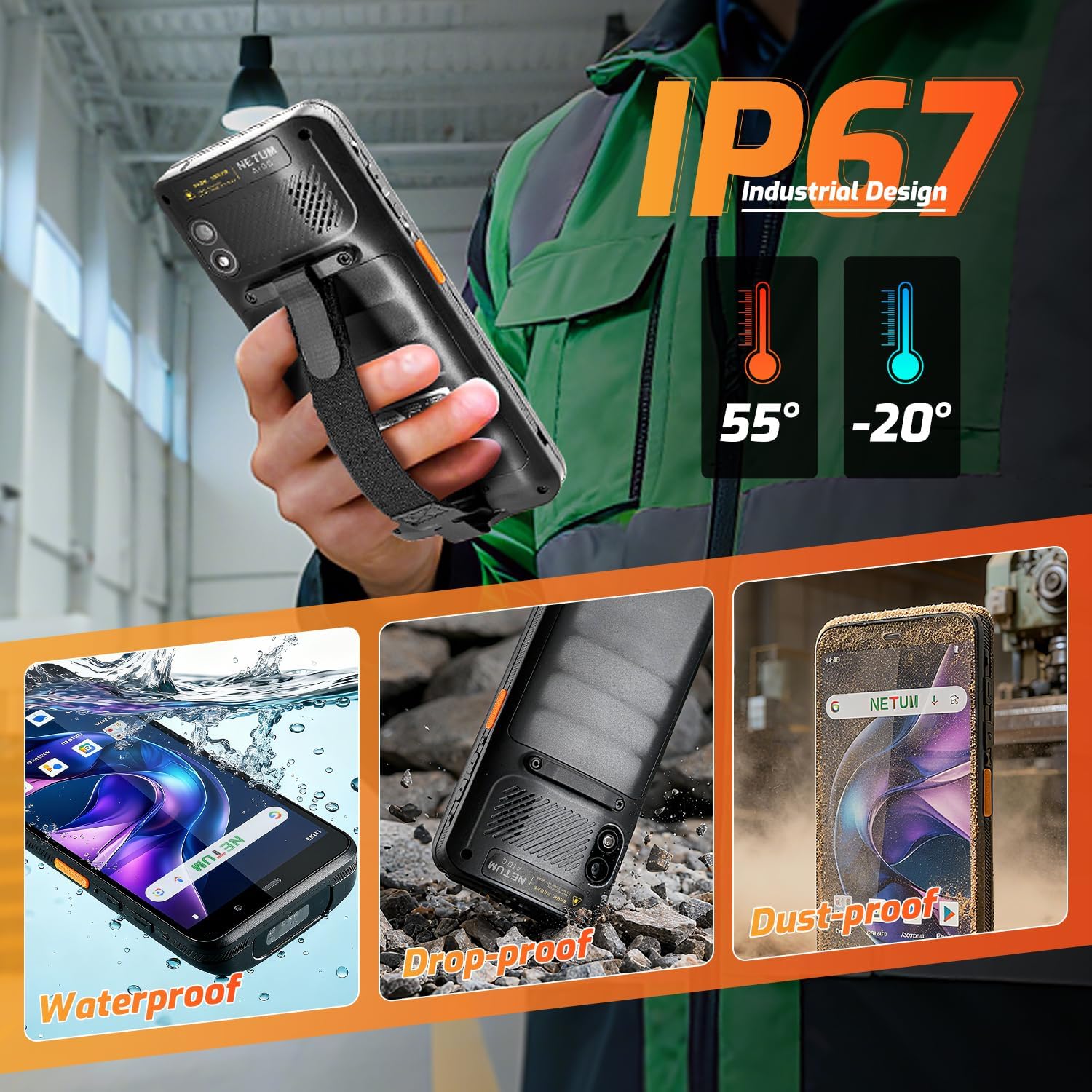
Слика 6.1: The NETUM Q900's IP67 rating ensures protection against water, dust, and drops, making it suitable for harsh environments.
7. Гаранција и поддршка
NETUM products are designed for reliability and performance. For warranty information, technical support, or service inquiries, please refer to the warranty card included with your product or visit the official NETUM webсајт.
Зачувајте ја сметката како доказ за купување за гаранциски побарувања.


