Вовед
This manual provides instructions for the Nulea RT07B Wireless Ergonomic Keyboard. Designed for comfort and efficiency, this keyboard features a split layout, integrated wrist rest, and versatile connectivity options to enhance your typing experience across multiple devices.
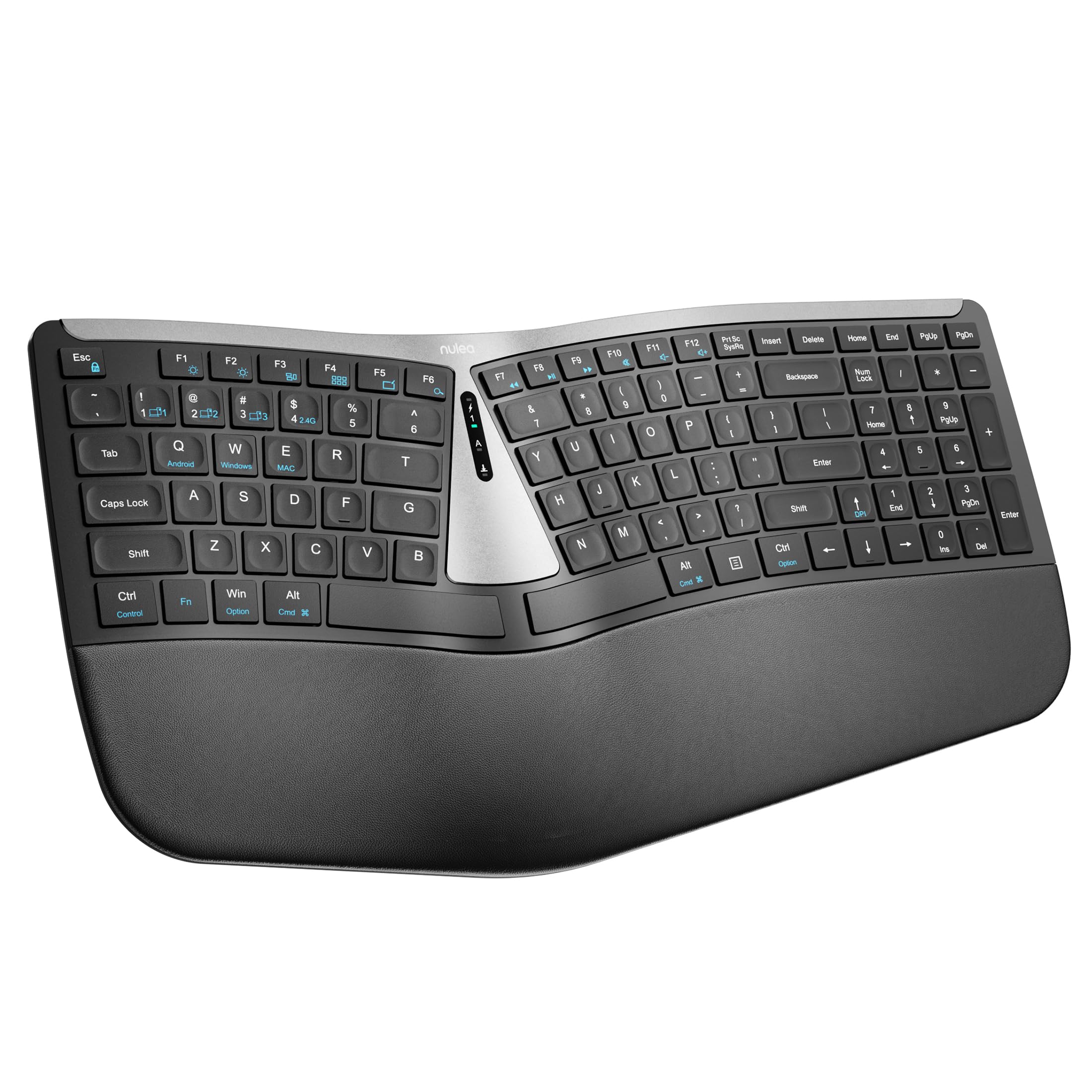
Figure 1: Nulea RT07B Wireless Ergonomic Keyboard
Поставување
Содржина на пакетот
- Nulea RT07B Wireless Ergonomic Keyboard
- USB 2.4G Receiver (stored in the keyboard's underside)
- USB-C кабел за полнење
- Упатство за употреба (овој документ)
Полнење на тастатурата
The Nulea RT07B keyboard is equipped with a rechargeable battery. To charge, connect the provided USB-C cable to the keyboard's USB-C port and to a power source (e.g., computer USB port, USB wall adapter). A full charge typically takes 2-3 hours and provides approximately 200 hours of standby time.

Слика 2: USB-C порт за полнење
Опции за поврзување
The keyboard supports dual-mode wireless connectivity: 2.4G wireless via a USB receiver and Bluetooth. It can connect to up to three devices simultaneously (one 2.4G and two Bluetooth devices).
2.4G безжична конекција
- Locate the USB 2.4G receiver stored in the compartment on the underside of the keyboard.
- Приклучете го USB-приемникот во достапна USB порта на вашиот компјутер.
- Turn on the keyboard using the ON/OFF switch located on the top center of the keyboard.
- The keyboard should automatically connect to your device. If not, press fn+4 за да се префрлите на режимот 2.4G.
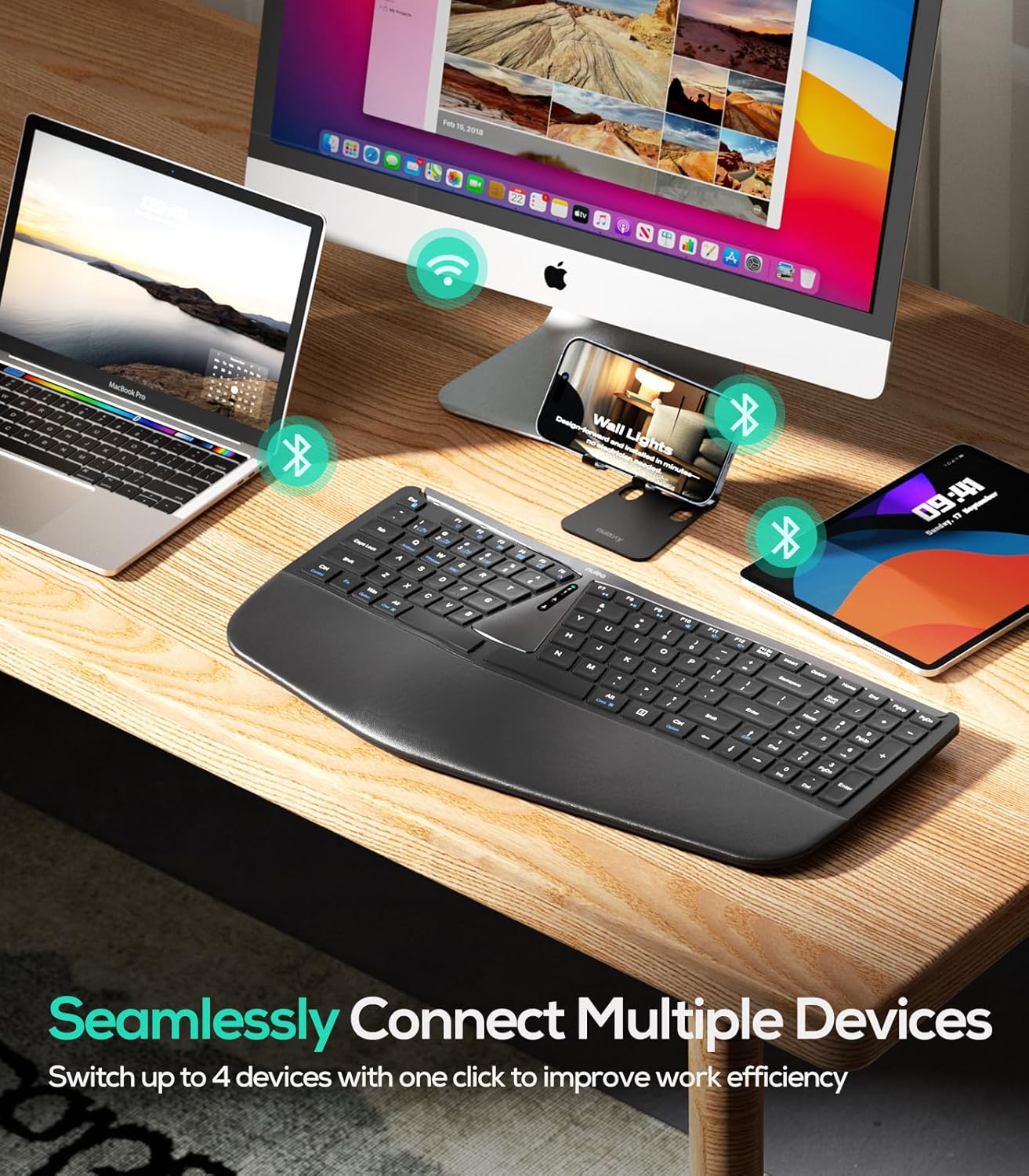
Слика 3: Поврзување со повеќе уреди
Bluetooth Connection (BT1 / BT2)
- Вклучете ја тастатурата користејќи го прекинувачот ON/OFF.
- Притиснете fn+1 or fn+2 to select a Bluetooth channel (BT1 or BT2). The corresponding indicator light will flash.
- Притиснете и задржете fn+1 (или fn+2) 3 секунди додека индикаторската ламбичка не трепка брзо, што укажува на режим на спарување.
- On your device (computer, tablet, smartphone), enable Bluetooth and search for "Nulea RT07B".
- Select the keyboard from the list of available devices to complete pairing.
- To switch between connected Bluetooth devices, simply press fn+1 or fn+2.
Упатства за работа
Ергономски дизајн и удобност
The Nulea RT07B features a split keyboard layout and a comprehensive palm rest designed to promote a natural typing posture. This reduces forearm muscle twisting and wrist strain, contributing to long-term comfort.

Figure 4: Natural Hand Position on Split Keyboard
The integrated palm rest is made with soft material, providing excellent support for your wrists during extended use.

Figure 5: Integrated Palm Rest
Прилагодливи навалени нозе
The keyboard includes adjustable tilt legs on both the front and back. These can be used to customize the typing angle for optimal wrist comfort. Raising the front legs can create a negative tilt, which some users find more ergonomic by allowing wrists to remain in a more neutral position.

Figure 6: Adjustable Tilt Legs for Customized Angle
Scissor-Switch Keys
The keyboard utilizes scissor-switch keys, which provide stable, responsive, and quiet typing. This design ensures even pressure distribution and a comfortable tactile feedback with each keystroke.
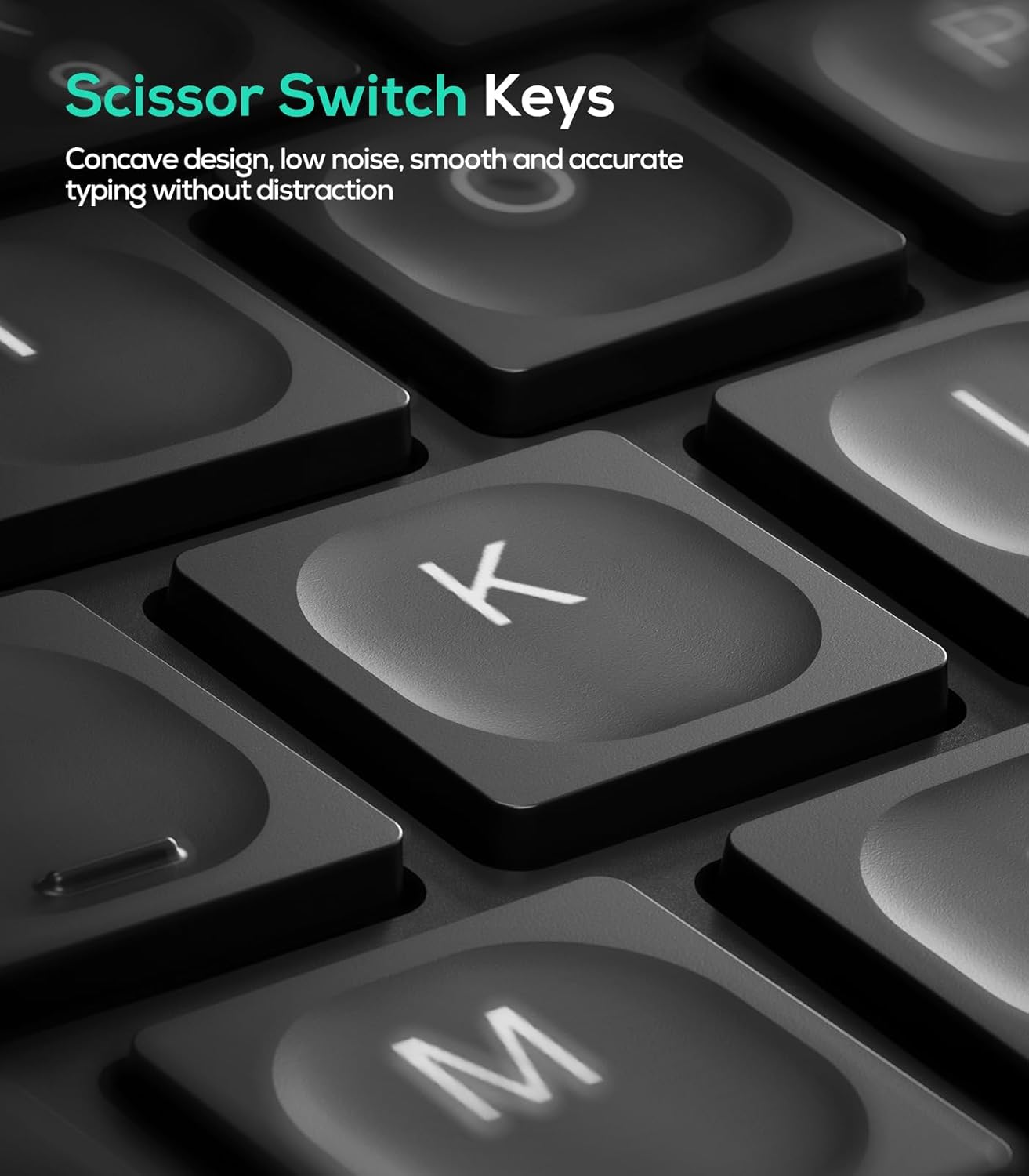
Figure 7: Scissor-Switch Key Mechanism
Компатибилност на оперативниот систем
The Nulea RT07B keyboard is compatible with Windows and Mac operating systems. Dedicated keys for Windows (Win) and Mac (Option, Cmd) functions are clearly marked on the keyboard.
Функциски копчиња
The top row of keys (F1-F12) includes multimedia and shortcut functions. These functions can be accessed directly or by pressing the Fn копче во комбинација со саканото функционално копче.
Одржување
To ensure the longevity and optimal performance of your Nulea RT07B keyboard, follow these maintenance guidelines:
- Чистење: Користете мека крпа без влакненца малку гampизмијте со вода или благ раствор за чистење за да ја избришете површината на тастатурата. Избегнувајте груби хемикалии или абразивни материјали.
- Отстранување прашина: Користете компримиран воздух за отстранување на прашина и остатоци од меѓу копчињата.
- Нега на батеријата: Recharge the keyboard when the battery indicator is low. Avoid fully discharging the battery frequently to prolong its lifespan.
- Складирање: Кога не ја користите подолго време, чувајте ја тастатурата на ладно и суво место.
Решавање проблеми
| Прашање | Можна причина | Решение |
|---|---|---|
| Keyboard not responding (2.4G) | USB receiver not properly connected; low battery; incorrect mode selected. | Ensure USB receiver is securely plugged in. Charge the keyboard. Press fn+4 to select 2.4G mode. |
| Тастатурата не реагира (Bluetooth) | Not paired; out of range; low battery; incorrect Bluetooth channel selected. | Ensure keyboard is in pairing mode (Fn + 1/2 held for 3s). Check device's Bluetooth settings. Charge the keyboard. Press fn+1 or fn+2 to select the correct channel. |
| Keys feel unresponsive or sticky | Accumulated dust or debris under keys; low battery. | Clean the keyboard using compressed air. Charge the keyboard. |
| Caps Lock indicator light turns off quickly | Designed behavior to conserve battery. | This is normal operation. The Caps Lock function remains active even if the light turns off. |
Спецификации
- Модел: RT07B
- Поврзување: 2.4G безжична, Bluetooth (BT1, BT2)
- Тип на тастатура: Ergonomic Split, Membrane, Scissor-Switch
- Компатибилност: Windows, Mac, Laptops, PCs, Tablets, Smartphones
- Извор на енергија: USB-C батерија за полнење
- Траење на батеријата: До 200 часа (во мирување)
- Материјал: Пластика или силикон
- Тежина на ставката: 2.66 фунти
- Димензии: 17.76 x 9.8 x 2.09 инчи
- Вклучени компоненти: Одмор за дланка
Официјално видео за производот
Видео 1: Надview of the Nulea RT07B Wireless Ergonomic Keyboard, demonstrating its features and ergonomic design.
Гаранција и поддршка
Nulea offers a 12-month hassle-free replacement warranty for this product. For support or warranty claims, please refer to the contact information provided in your product packaging or visit the official Nulea webсајт.
Official Nulea Webсајт: www.nulea.com


