Вовед
Thank you for choosing the ATK VXE Dragonfly R1 Pro Max Wireless Gaming Mouse. This manual provides essential information for setting up, operating, and maintaining your new gaming mouse to ensure optimal performance and longevity. Please read this manual thoroughly before using the product.
Производот завршиview
The ATK VXE Dragonfly R1 Pro Max is an ultra-lightweight wireless gaming mouse designed for high performance. It features a precision sensor, adjustable polling rates, and versatile connectivity options.

Слика 1: Врв view of the ATK VXE Dragonfly R1 Pro Max Wireless Gaming Mouse.
Клучни карактеристики
- Ултра лесен дизајн: Weighing approximately 54g, the R1 Pro Max ensures fatigue-free and swift gaming control.
- Precision PAW3395 Sensor: Equipped with the PixArt PAW3395 sensor, offering up to 26,000 DPI for precise tracking.
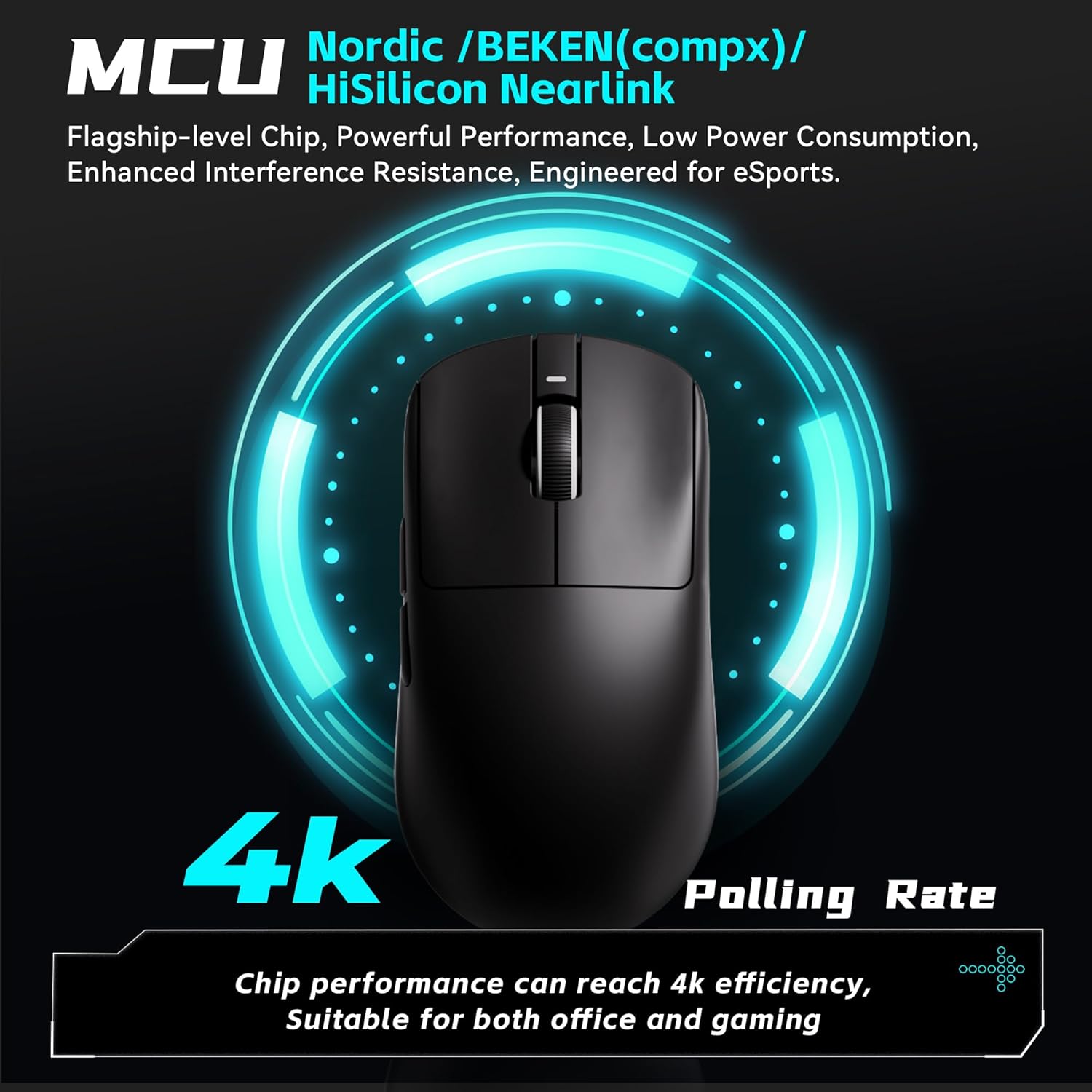
- Прилагодлива стапка на анкетирање: Supports 125–4,000Hz polling rate. A separate 4K receiver is required for 4K polling.
- SmartSpeed X Wireless Technology: Provides low-latency 2.4 GHz wireless connectivity. Also supports wired USB-C connection for stable performance.
- Долг век на батеријата: Offers approximately 150 hours of continuous operating battery life at 1000Hz polling rate.
- Kailh White Blade Switches: Features Kailh White Blade microswitches with a 100 million click lifespan for a balanced and comfortable feel.
Слика 2: Експлодирано view showing internal components like the PAW3395 sensor and Kailh switches.

Figure 3: Illustration highlighting the 4K Polling Rate capability of the mouse.

Figure 4: Close-up of the mouse surface, detailing the smooth ice-feeling coating for enhanced glide.
Поставување
Распакување и првична инспекција
Upon receiving your ATK VXE Dragonfly R1 Pro Max, carefully unbox the mouse and its accessories. Ensure all components are present: the mouse, USB-C charging/data cable, and the 2.4 GHz wireless receiver.
Video 1: Official unboxing video for the ATK R1 Gaming Mouse, demonstrating initial setup and contents.
Поврзување на глувчето
The R1 Pro Max supports 2.4 GHz wireless and wired USB-C connections.
- Безжична конекција од 2.4 GHz:
- Locate the 2.4 GHz USB receiver stored in the compartment on the underside of the mouse.
- Приклучете го USB-приемникот во достапна USB порта на вашиот компјутер.
- Turn on the mouse using the switch on the bottom. The mouse should automatically connect.
- Жична USB-C конекција:
- Поврзете го испорачаниот USB-C кабел со предниот порт на глувчето.
- Поврзете го другиот крај на кабелот со достапна USB порта на вашиот компјутер.
- Глувчето ќе работи во жичен режим и ќе се полни истовремено.

Figure 5: Diagram illustrating the Tri-Mode connectivity options: Bluetooth, 2.4GHz, and Wired USB-C.
Software Installation (ATK Hub)
For advanced customization of DPI, polling rate, button macros, and other parameters, download and install the ATK Hub software from the official ATK website. The software supports Windows 10 and above systems.
Ракување со глувчето
Функции на копчињата
- Лев клик (Копче 1): Стандардна функција за примарен клик.
- Десен клик (копче 2): Стандардна функција за секундарен клик.
- Scroll Wheel (Button 3): Scrolls up/down. Pressing it acts as a middle click.
- Side Buttons (Buttons 4 & 5): Typically configured as forward/back in web browsers and customizable in games via ATK Hub.
- DPI Button (Underside): Циклично ги менува претходно поставените нивоа на DPI.
Adjusting DPI and Polling Rate
The DPI button on the underside of the mouse allows for quick cycling through various DPI settings. For fine-tuning DPI, adjusting polling rate (125-4000Hz), and customizing other performance settings, use the ATK Hub software.
Траење на батеријата и полнење
The R1 Pro Max offers up to 150 hours of battery life at 1000Hz polling. When the battery is low, an indicator light on the mouse will illuminate. Connect the mouse using the provided USB-C cable to charge. You can continue to use the mouse in wired mode while it charges.
Одржување
Чистење
За да одржите оптимални перформанси, редовно чистете го глувчето. Користете мека, сува крпа за бришење на површината. За тврдокорна нечистотија, малкуamp cloth can be used, ensuring no moisture enters the mouse's internal components. Avoid harsh chemicals or abrasive materials.
Grip Tape Application
The mouse may come with optional grip tape for enhanced handling and customization. To apply, ensure the mouse surface is clean and dry. Carefully peel the backing from the grip tape and align it with the desired areas on the mouse, pressing firmly to secure.
Решавање проблеми
- Глувчето не реагира: Check if the mouse is powered on. Ensure the USB receiver is securely plugged into your computer or the USB-C cable is properly connected. Try a different USB port.
- Lag or Disconnection in Wireless Mode: Ensure the mouse is within range of the USB receiver. Minimize interference from other wireless devices. Update mouse firmware via ATK Hub.
- DPI не се менува: Press the DPI button on the underside of the mouse. If using ATK Hub, ensure settings are applied and the software is up to date.
- Батеријата не се полни: Verify the USB-C cable is correctly connected to both the mouse and a power source/computer. Try a different USB port or cable.
Спецификации
| Карактеристика | Спецификација |
|---|---|
| Димензии на производот | 4.72 x 2.51 x 0.1 инчи |
| Тежина на ставката | 1.9 унци (приближно 54 г) |
| Број на модел на ставка | ATK R1 Series |
| Батерии | 1 нестандардна батерија (вклучена) |
| Технологија за поврзување | 2.4G Wireless, USB-C Wired |
| Посебни карактеристики | Lightweight, Programmable Buttons, Rechargeable |
| Технологија за откривање на движење | Оптички (PAW3395 сензор) |
| Опсег на DPI | До 26,000 DPI |
| Стапка на анкети | 125-4,000Hz (4K requires separate receiver) |
| Живот на батеријата (1000Hz) | ~150 hours (R1 Pro Max) |
Figure 6: Detailed specifications for the VXE Dragonfly R1 Series, including the R1 Pro Max.
Гаранција и поддршка
Your ATK VXE Dragonfly R1 Pro Max Wireless Gaming Mouse comes with a 1-year limited hardware warranty. For warranty claims, technical support, or further assistance, please visit the official ATK webстраницата или контактирајте ја нивната служба за корисници. Зачувајте го доказот за купување за потврда на гаранцијата.


