1. Вовед
Thank you for choosing the EWEADN V102 Wired Gaming Keyboard. This manual provides essential information for setting up, operating, and maintaining your new keyboard. Please read it thoroughly to ensure optimal performance and longevity of your device.

Figure 1: EWEADN V102 Wired Gaming Keyboard
2. Содржина на пакетот
Проверете дали сите предмети се присутни во пакувањето:
- EWEADN V102 Wired Gaming Keyboard
- Кабел за USB Type-C
- Упатство за употреба (овој документ)
3. Упатства за поставување
3.1 Поврзување на тастатурата
- Пронајдете го приклучокот USB Type-C на тастатурата.
- Поврзете го едниот крај од обезбедениот USB-кабел тип-C на тастатурата.
- Connect the other end of the USB Type-C cable to an available USB port on your computer or compatible device.
- Тастатурата е „plug-and-play“ и треба автоматски да ја препознае вашиот оперативен систем.

Figure 2: Wired Type-C Connectivity
4. Упатства за работа
4.1 Multi-Function Control Knob
The smart rotary knob provides quick control over various functions:
- Единечен печат: Toggles between backlight modes.
- Ротирај: Ја прилагодува осветленоста на задното осветлување.
- Hold FN + Rotate Knob: Switches to multimedia mode for volume control (rotate) and mute (press).

Figure 3: Multi-Function Control Knob
Video 1: Demonstration of the EWEADN V102 Keyboard's multi-function knob and lighting effects.
4.2 Приказ на екранот
The integrated display screen shows real-time status indicators without requiring additional software:
- Caps Lock status
- Num Lock status
- Win Lock status
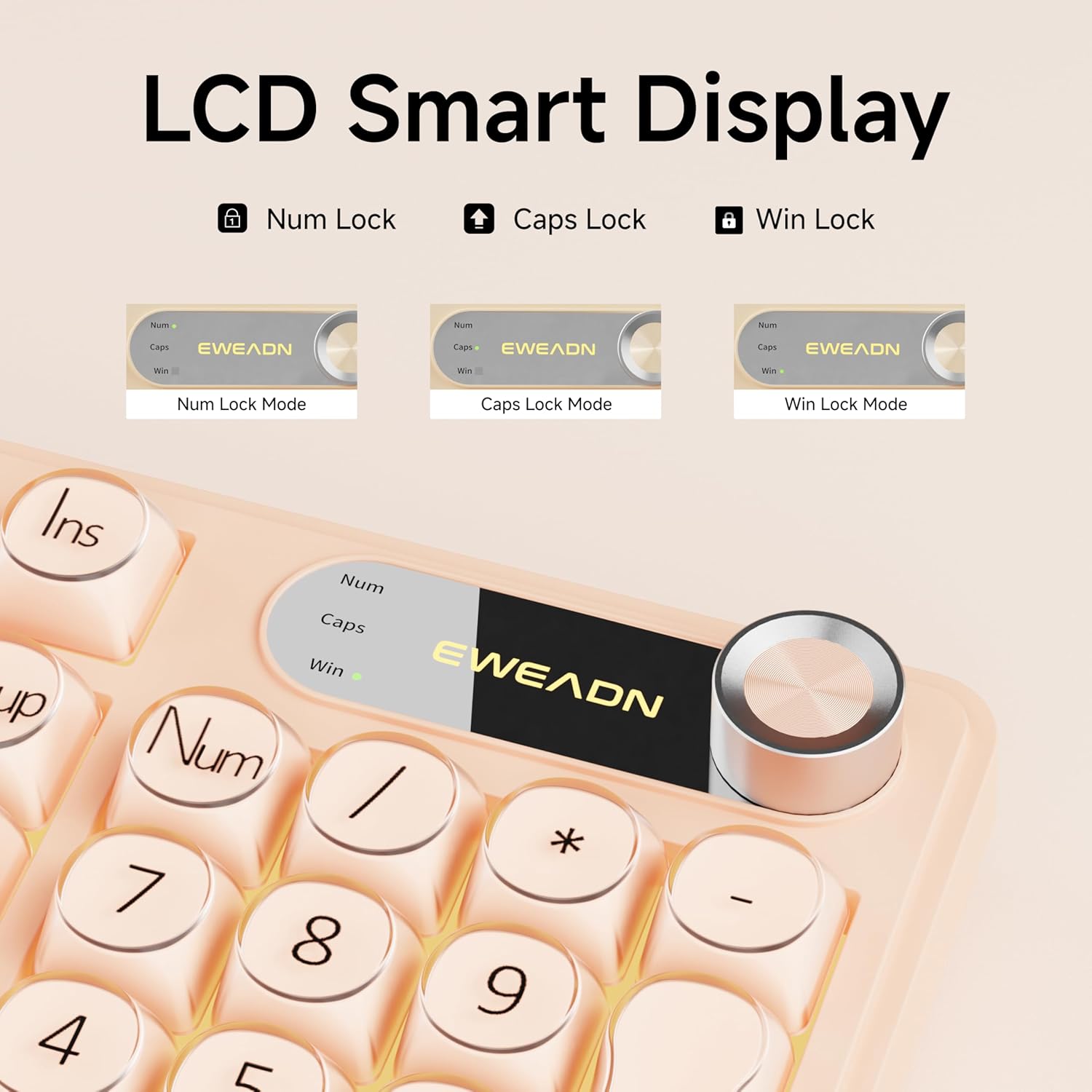
Figure 4: LCD Smart Display
4.3 RGB позадинско осветлување
Customize your typing experience with dynamic RGB lighting:
- FN + INS: Switches between 12 stunning RGB lighting effects.
- FN + PGUP/PGDN: Adjusts backlight brightness (5 levels).
- FN + "_" or "+": Adjusts lighting speed (5 levels).
- FN + Backspace: Toggles backlight on/off.
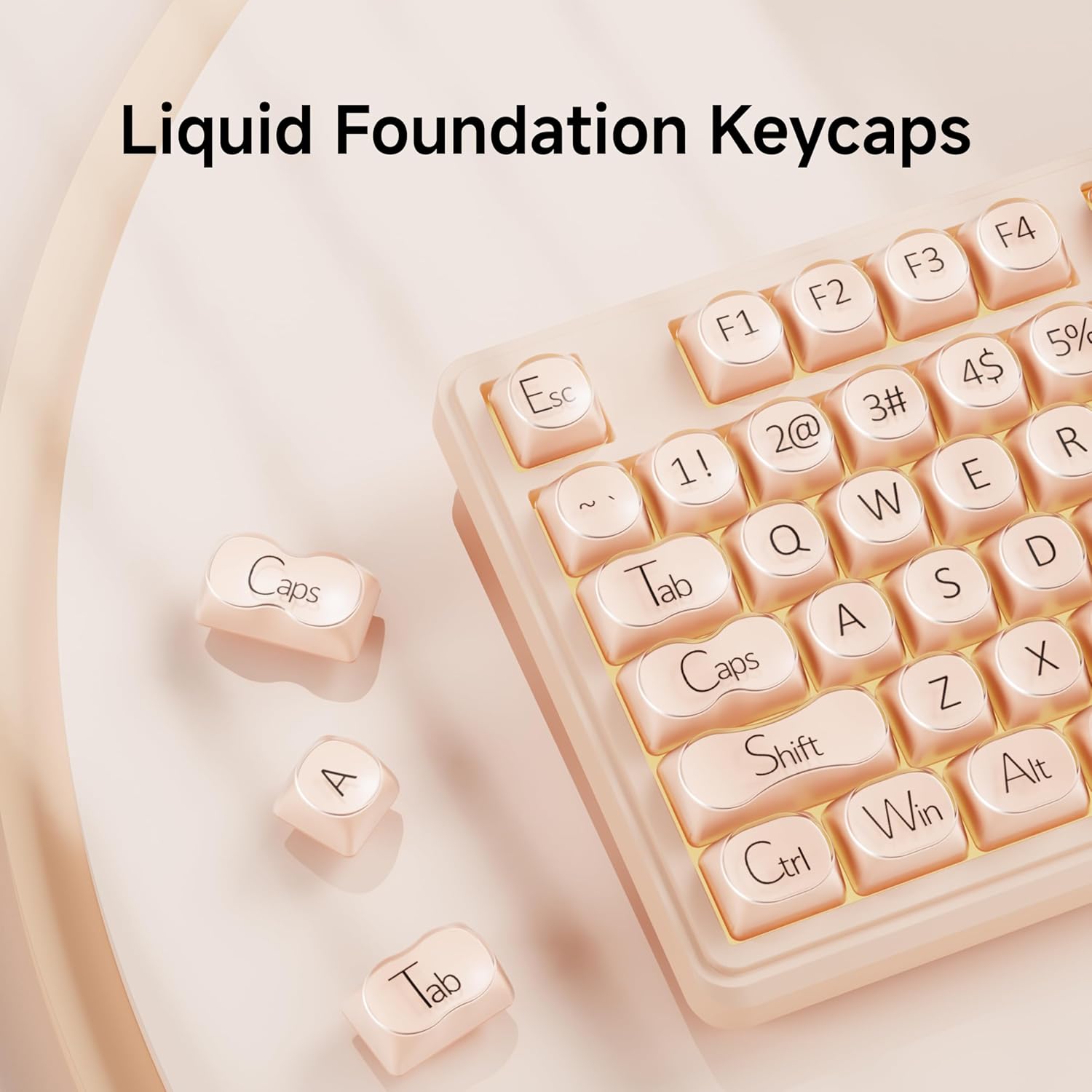
Figure 5: RGB Backlight Control Functions
Video 2: Demonstration of various RGB lighting effects on the keyboard.
4.4 Dual-System Compatibility
The V102 keyboard is designed for broad compatibility across multiple operating systems and devices:
- Windows
- Mac (FN + S for Mac layout)
- Андроид
- iOS
- Xbox
- PS4
- PS5

Figure 6: Dual-System Connection for Windows and Mac
4.5 Ергономски дизајн
The keyboard features a streamlined layout and adjustable typing angles for enhanced comfort during extended use. It includes a numeric keypad for efficient data entry.

Figure 7: 98-Key Layout and Adjustable Feet
4.6 Тивко работење
The membrane keyboard design is engineered to reduce typing sound, providing a quieter experience suitable for various environments.

Figure 8: Silent Computer Keyboard Design
4.7 Дизајн отпорен на истурање
The keyboard features a spill-resistant design to protect against accidental liquid spills. In case of a spill, promptly disconnect the keyboard and allow it to dry completely before reconnecting.

Слика 9: Дизајн отпорен на истурање
5. Одржување
To ensure the longevity and optimal performance of your EWEADN V102 keyboard, follow these maintenance guidelines:
- Чистење: Use a soft, lint-free cloth to wipe the surface of the keyboard. For deeper cleaning, use a can of compressed air to remove dust and debris from between the keys. Avoid using harsh chemicals or abrasive materials.
- Складирање: Чувајте ја тастатурата на ладно и суво место, подалеку од директна сончева светлина и екстремни температури.
- Ракување: Избегнувајте испуштање на тастатурата или изложување на прекумерна сила, што може да ги оштети внатрешните компоненти.
6 Смена на проблеми
Ако наидете на проблеми со вашата тастатура, погледнете ги следниве вообичаени решенија:
- Тастатурата не реагира: Ensure the USB Type-C cable is securely connected to both the keyboard and your device. Try connecting to a different USB port or a different device to rule out port or device issues.
- Задното осветлување не работи: Check if the backlight is turned off using the FN + Backspace shortcut. Adjust brightness using FN + PGUP/PGDN.
- Клучевите не се регистрираат: Ensure no debris is lodged under the keys. If the issue persists, contact customer support.
- Incorrect layout (Mac users): Press FN + S to switch to the Mac layout.
За понатамошна помош, ве молиме погледнете го делот за Гаранција и поддршка.
7. Спецификации
| Модел | V102 |
| Распоред | 98-Key Compact Layout with Number Pad |
| Поврзување | Жичен USB тип-C |
| Задно осветлување | Динамички RGB (12 ефекти, 5 нивоа на осветленост, 5 нивоа на брзина) |
| Посебни карактеристики | Multi-Function Control Knob, Display Screen, Silent Membrane Keys, Spill-Resistant Design, Adjustable Typing Angles |
| Компатибилни уреди | Laptop, PC, Gaming Console (Windows, Mac, Android, iOS, Xbox, PS4, PS5) |
| Материјал | Полибутилен терефталат |
| Тежина на ставката | 2.4 фунти |
| Димензии на пакетот | 17.68 x 7.05 x 1.97 инчи |
8. Гаранција и поддршка
Your EWEADN V102 Wired Gaming Keyboard is backed by a standard warranty. For specific warranty details, please refer to the product packaging or contact your retailer.
Поддршка за корисници
For technical assistance, troubleshooting, or any product-related inquiries, please contact EWEADN customer support:
- Поддршка за е-пошта: eweadnkeyboard@outlook.com
- Поддршка преку Интернет: Посетете го EWEADN Store on Amazon and click 'Ask a question' to contact the seller.


