1. Вовед
The ASRock PRO-650G Power Supply is designed to provide stable and efficient power for your personal computer system. This 650W unit features 80 PLUS Gold certification, ensuring high energy efficiency and reduced heat output. It is compliant with the latest ATX 3.1 standard, making it compatible with modern and next-generation components. This manual provides essential information for the safe installation, operation, and maintenance of your power supply.
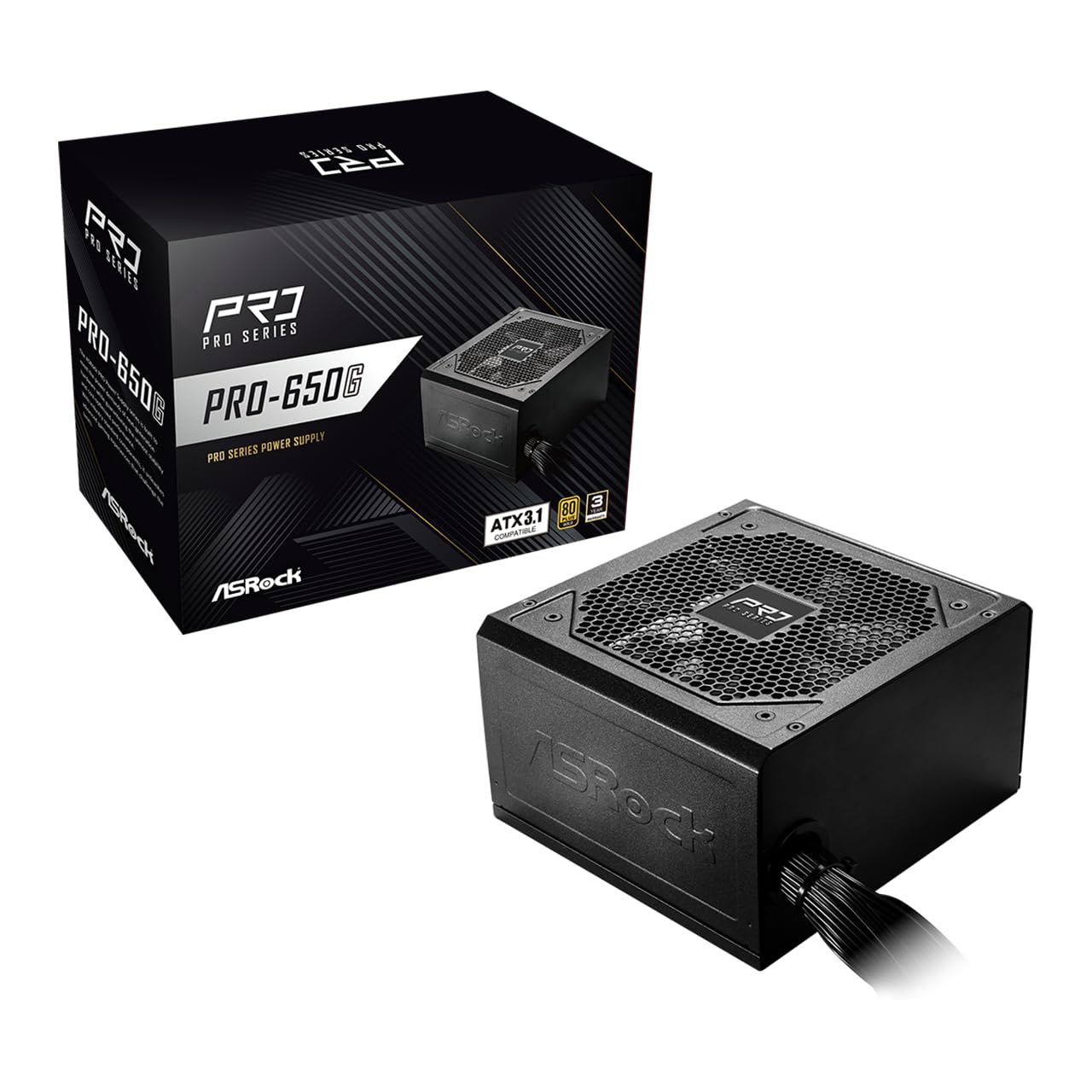
Figure 1: ASRock PRO-650G Power Supply, front view.
2. Информации за безбедност
Please read and follow all safety instructions carefully before installing or using the power supply. Failure to do so may result in personal injury or damage to your equipment.
- Ensure the power supply is disconnected from the main power outlet before installation or maintenance.
- Не го отворајте напојувањето casing. Висок волуменtages се присутни внатре, дури и кога се исклучени.
- Инсталирајте го напојувањето во добро проветрено место за да спречите прегревање.
- Користете само каблите што се испорачуваат со напојувањето.
- Избегнувајте изложување на напојувањето на влага или екстремни температури.
- This product is designed for use in personal computer systems only.
3. Содржина на пакетот
Проверете дали сите артикли се присутни во пакувањето:
- ASRock PRO-650G Power Supply Unit
- Кабел за напојување со наизменична струја
- Модуларен сет кабли (како што е детално опишано подолу)
- Завртки за монтирање
- Упатство за употреба

Figure 2: Included modular cables and their quantities.
4. Производот завршиview и Карактеристики
The ASRock PRO-650G Power Supply is engineered for performance and reliability. Key features include:
- 80 ПЛУС Златна ефикасност: Delivers up to 90% energy efficiency, reducing power consumption and heat output.
- Компатибилен со ATX 3.1: Meets the latest ATX 3.1 standard, ensuring compatibility with modern and next-generation components.
- Stable 12V Output: Provides 54.1A on the +12V rail for reliable power delivery to CPU and graphics cards.
- Сеопфатна заштита: Вклучува заштита од пренапон (OCP), пренапонtage Заштита (OVP), Под томtage Protection (UVP), Over Power Protection (OPP), Over Temperature Protection (OTP), and Short Circuit Protection (SCP) for enhanced system safety.
- Quiet 120mm Fan: Features a balanced cooling solution that maintains low noise levels during operation.
- All-Taiwanese Capacitors: Uses high-quality capacitors for improved durability and longevity.
- Дизајн на рамен кабел: Enables easier cable management and improved airflow within the case.
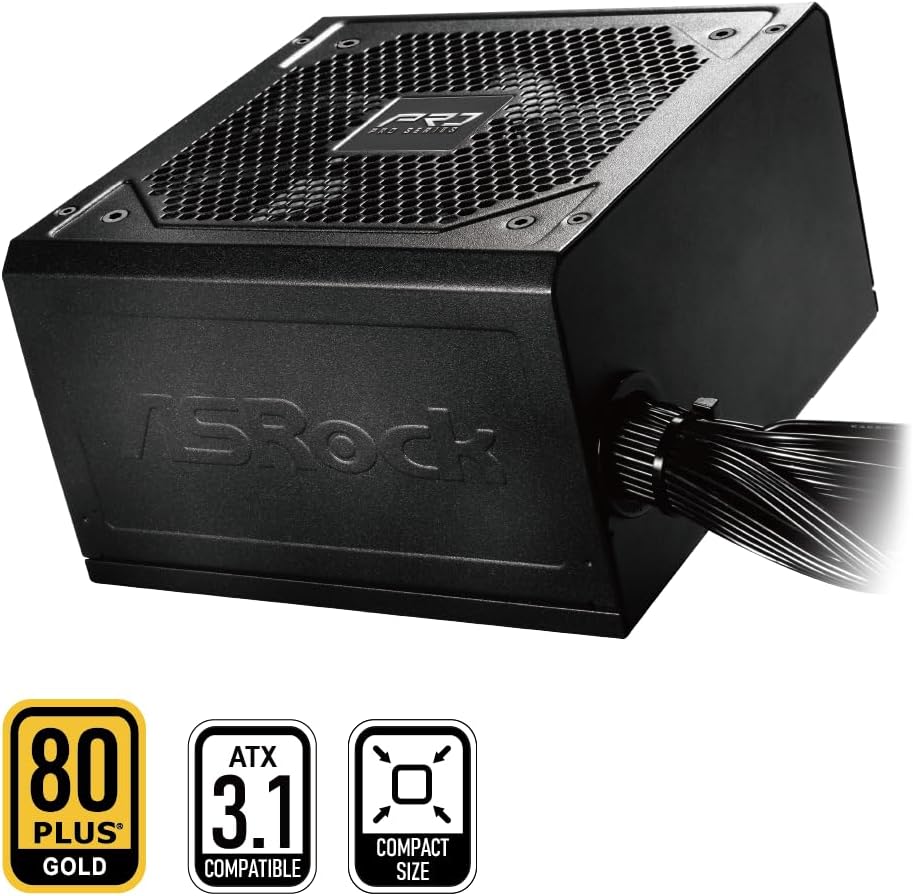
Figure 3: ASRock PRO-650G Power Supply highlighting key certifications.
5. Поставување и инсталација
Follow these general steps to install your ASRock PRO-650G Power Supply:
- Подгответе го вашиот систем: Проверете дали вашиот компјутер е исклучен од струја и изваден од штекерот. Отворете го куќиштето на компјутерот.
- Отстранете го стариот напојувач (доколку е применливо): Исклучете ги сите кабли од старото напојување и извадете го од куќиштето.
- Монтирајте го новиот напојувач: Insert the ASRock PRO-650G into the power supply bay of your PC case. Secure it with the provided mounting screws.
- Connect Motherboard Cables: Connect the 24-pin ATX motherboard cable and the 4+4-pin CPU power cable to their respective ports on your motherboard.
- Поврзете ги компонентните кабли: Connect the necessary PCIe 6+2-pin cables to your graphics card(s), and SATA/PATA cables to your storage drives and other peripherals. The flat cable design aids in easier routing and improved airflow.
- Управување со кабли: Organize cables to ensure proper airflow and a tidy build.
- Затворете го куќиштето и вклучете го: Close your PC case, plug in the AC power cord to the power supply and a wall outlet, then flip the power switch on the PSU to the 'ON' position.

Слика 4: Заден дел view of the power supply with power switch and AC input.
Видео за инсталација завршеноview
Погледнете го ова видео за визуелен прегледview of the ASRock Pro Gold Series power supplies, including details on cable connections and features relevant to installation.
Video 1: ASRock Power Supplies Pro Gold Series Overview. This video demonstrates the features and cable connections of the Pro Gold Series, which includes the PRO-650G model.
6. Упатства за работа
Once installed, operating the ASRock PRO-650G Power Supply is straightforward:
- Вклучување: Ensure the power supply's main switch (located at the rear) is in the 'ON' position. Press the power button on your computer case to start the system.
- Исклучено: Shut down your computer through the operating system. Once the system is off, you may optionally switch the power supply's main switch to the 'OFF' position for complete power disconnection.
- The 120mm cooling fan operates automatically to maintain optimal temperatures and minimize noise.
7. Одржување
Правилното одржување обезбедува долготрајност и оптимални перформанси на вашето напојување:
- Чистење прашина: Periodically clean the exterior of the power supply and its fan grille to prevent dust buildup, which can impede airflow and cooling. Use compressed air or a soft brush. Always disconnect the power supply from the wall outlet before cleaning.
- Инспекција на кабел: Occasionally check all connected cables to ensure they are securely seated and free from damage.
- Животна средина: Работете со напојувањето во чиста, сува и добро проветрена средина.
8 Смена на проблеми
Доколку имате проблеми со напојувањето, разгледајте ги следниве чекори за решавање проблеми:
- Без моќност:
- Осигурајте се дека кабелот за наизменична струја е безбедно поврзан и со напојувањето и со ѕидниот штекер.
- Check that the power supply's main switch is in the 'ON' position.
- Проверете дали штекерот во ѕидот е функционален со вклучување на друг уред.
- Confirm all internal power cables (24-pin, CPU, PCIe) are correctly and firmly connected.
- Нестабилност на системот/Паднувања:
- Осигурајте се дека барањата за напојување на вашиот систем не го надминуваат капацитетот од 650 W на напојувањето.
- Проверете дали има соодветна вентилација во куќиштето на вашиот компјутер за да спречите прегревање на компонентите, вклучително и напојувачкото напојување.
- Verify that all power connections to components are secure.
- Невообичаен шум:
- A slight fan noise is normal during operation. If the noise is excessive or unusual, ensure no cables are obstructing the fan.
- If coil whine is present, it may be due to specific load conditions. While often harmless, if persistent and bothersome, contact support.
If these steps do not resolve the issue, please contact ASRock customer support.
9. Спецификации
| Карактеристика | Спецификација |
|---|---|
| Име на моделот | PRO-650G |
| Излезен Ватtage | 650 вати |
| 80 ПЛУС Сертификација | Злато |
| ATX стандард | Компатибилен со ATX 3.1 |
| +12V Rail Output | 54.1 А |
| Метод на ладење | Воздух (вентилатор од 120 мм) |
| Кондензатори | All-Taiwanese Capacitors |
| Форма фактор | ATX (140x150x86mm) |
| Димензии на производот (Д x Ш x В) | 5.51 x 5.91 x 3.39 инчи |
| Тежина на ставката | 4.33 фунти |
| Производител | ASRock |
| Број на модел на ставка | 90-UXR065-GNUAA2 |
10. Гаранција и поддршка
The ASRock PRO-650G Power Supply is backed by a 3-годишна гаранција, обезбедувајќи спокојство во врска со неговиот квалитет и издржливост.
For any product inquiries, technical assistance, or warranty claims, please contact ASRock USA customer support through Amazon or visit the official ASRock website for further support options.
Онлајн ресурси:
- ASRock продавница на Amazon: Visit ASRock Store