Introduction to the OPPO Find X9 Series
This manual provides a detailed guide to understanding and utilizing the full capabilities of your OPPO Find X9 Series smartphone, including the Find X9 and Find X9 Pro models. It covers essential functions, advanced features, and practical tips to enhance your user experience. The goal is to help you navigate your device efficiently and securely.
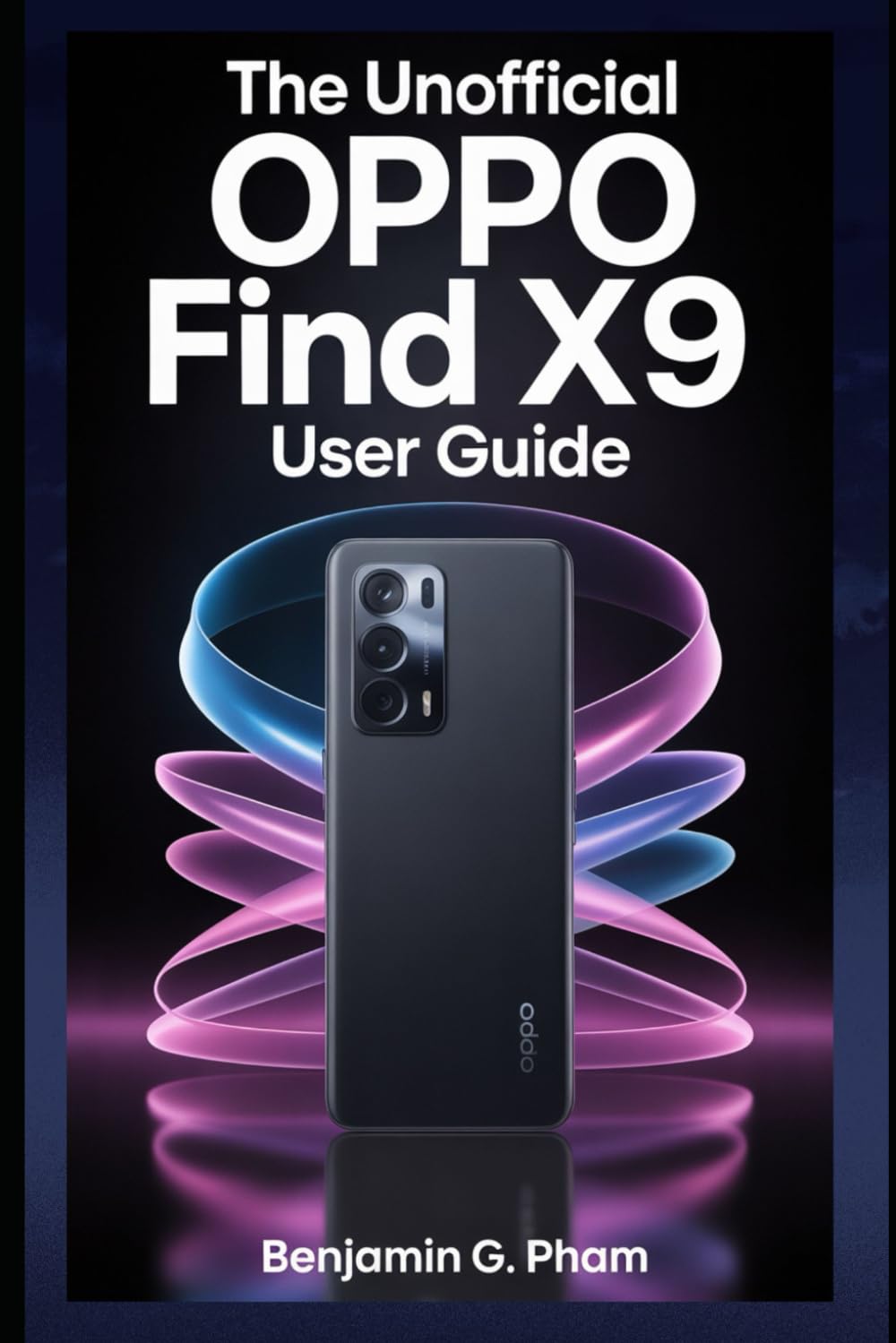
Image: Front cover of the user manual for the OPPO Find X9 Series, displaying the title and design.
1. Почетно поставување и конфигурација
Upon first powering on your OPPO Find X9 Series device, you will be guided through a series of steps to set up your phone. This section outlines the process for initial configuration.
- Вклучување: Press and hold the power button until the OPPO logo appears.
- Избор на јазик: Изберете го вашиот претпочитан јазик од листата.
- Избор на регион: Select your geographical region.
- Wi-Fi конекција: Connect to a stable Wi-Fi network to download necessary updates and complete setup.
- Поставување сметка на Google: Најавете се со вашата сметка на Google или креирајте нова. Ова е од суштинско значење за пристап до Google Play Store и други услуги на Google.
- Пренос на податоци (опционално): Follow prompts to transfer data from an old device if desired.
- Поставување безбедност: Configure screen lock methods such as PIN, pattern, password, fingerprint, or facial recognition.
- Review and Finish: Accept terms and conditions, and complete the setup process.
2. Основно работење и навигација
Familiarize yourself with the fundamental operations and navigation gestures of your OPPO Find X9 Series device.
- Почетен екран: Пристапете до апликации, виџети и известувања. Повлечете налево или надесно за да се движите помеѓу почетните екрани.
- Фиока за апликации: Повлечете нагоре од дното на екранот за да пристапите до сите инсталирани апликации.
- Панел за известување: Повлечете надолу од горниот дел на екранот до view известувања и брзи поставки.
- Неодамнешни апликации: Swipe up and hold from the bottom of the screen (or tap the recent apps button) to view и управувајте со неодамна користените апликации.
- Гестови: Customize navigation gestures in Settings > System Settings > System Navigation.
3. Camera Features and Photography
The OPPO Find X9 Series offers advanced camera capabilities. This section guides you through various camera modes and settings to capture high-quality photos and videos.
- Режими на камера: Explore modes such as Photo, Video, Portrait, Night, Pro, Panorama, and Slow-motion.
- Поставки: Adjust resolution, aspect ratio, timer, grid lines, and advanced camera parameters.
- Подобрувања на вештачката интелигенција: Utilize AI Scene Enhancement for optimized photo quality based on detected subjects.
- Стручни совети: Learn about composition, lighting, and focus techniques for improved photography.
4. AI Tools and Smart Settings
Discover the integrated AI features and smart settings designed to personalize and optimize your device's performance and user experience.
- Паметна странична лента: Access frequently used apps and tools quickly.
- Flexible Windows: Utilize split-screen and floating windows for enhanced multitasking.
- AI System Booster: Optimize system performance and app launch speeds.
- Персонализација: Customize themes, wallpapers, always-on display, and icon styles.
5. Productivity Tools and Connectivity
Enhance your productivity with various built-in tools and seamless connectivity options.
- File Споделување: Use Nearby Share or OPPO Share for quick file трансфери помеѓу уредите.
- Multi-Screen Connect: Mirror your phone screen to a PC or tablet for a larger workspace.
- Дигитална благосостојба: Monitor and manage your screen time and app usage.
- Облак услуги: Sync data and back up your device using Google Drive or OPPO Cloud.
6. Безбедност и приватност
Protect your personal data and maintain your privacy with the security features available on your OPPO Find X9 Series device.
- Биометриска безбедност: Configure and manage fingerprint and facial recognition for secure unlocking and app access.
- Заклучување на апликацијата: Protect individual applications with a password or biometric authentication.
- Приватен сеф: Securely store private photos, videos, and documents.
- Permission Manager: Control which apps have access to your device's features and data.
- Контролна табла за приватност: Monitor app access to sensitive permissions.
7. Одржување на уредот
Regular maintenance helps ensure optimal performance and longevity of your OPPO Find X9 Series smartphone.
- Ажурирања на софтверот: Редовно проверувајте и инсталирајте системски ажурирања преку Поставки > За уредот > Ажурирано.
- Оптимизација на батеријата: Управувајте со користењето на батеријата во Поставки > Батерија за продолжување на траењето на батеријата.
- Управување со складирање: Јасно непотребно files and cache to free up storage space.
- Чистење: Користете мека крпа што не остава влакненца за чистење на екранот и телото на уредот. Избегнувајте груби хемикалии.
8. Решавање на вообичаени проблеми
Овој дел се однесува на вообичаени проблеми со кои може да се соочите и нуди решенија.
| Прашање | Решение |
|---|---|
| Уредот не се вклучува | Проверете дали батеријата е наполнета. Притиснете го и задржете го копчето за вклучување најмалку 10 секунди. |
| Апликациите паѓаат или замрзнуваат | Исчисти го кешот на апликацијата (Settings > Apps > App management > [App Name] > Storage usage > Clear cache). Рестартирајте го уредот. |
| Слабо траење на батеријата | Check battery usage in settings to identify power-hungry apps. Reduce screen brightness. Disable unnecessary features like GPS or Bluetooth when not in use. |
| Проблеми со мрежно поврзување | Вклучете/исклучете Wi-Fi/мобилни податоци. Рестартирајте го уредот. Ресетирајте ги мрежните поставки (Settings > System settings > Back up and reset > Reset phone > Reset network settings). |
9. Product Specifications (OPPO Find X9 Series)
This manual details the specifications of the OPPO Find X9 and Find X9 Pro models. For precise technical specifications, please refer to the official OPPO website or the packaging of your specific device model.
Note: As this document is a general guide, specific hardware details such as processor type, RAM, storage, and camera sensor models are covered within the guide's content rather than listed here.
ISBN for this user guide: 979-8270541873

Image: Back cover of the user manual, showing the ISBN barcode and additional details.
10. Гаранција и поддршка
For information regarding your device's warranty, please refer to the warranty card included with your OPPO Find X9 Series smartphone or visit the official OPPO support website. For technical assistance, contact OPPO customer service through their official channels.
- Official OPPO Webсајт: For product information, FAQs, and support resources.
- Услуга за клиенти: Contact details for phone, chat, or email support can be found on the official webсајт.


