Вовед
This manual provides detailed instructions for the Qubick Wireless Controller, designed for use with Nintendo Switch, NS2, and PC. Please read this manual carefully before using the product to ensure proper operation and to maximize your gaming experience. Keep this manual for future reference.
Производот завршиview
The Qubick Wireless Controller features advanced wireless technology, Hall Effect triggers, precise analog sticks, and a Six-Axis motion sensor for immersive gameplay. It includes programmable back buttons, adjustable vibration, and multiple connectivity modes.
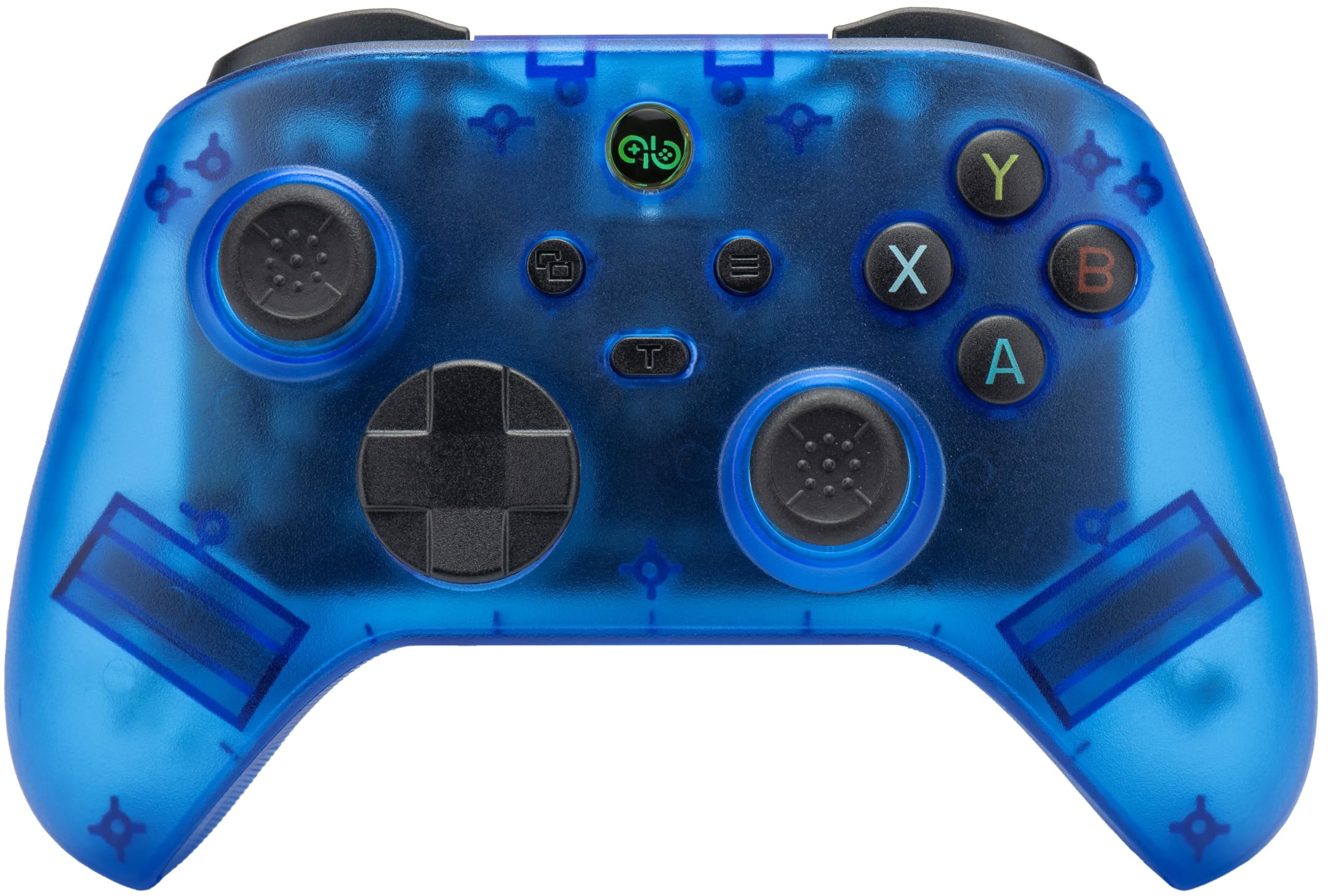
Слика: напред view of the Qubick Wireless Controller, showcasing its transparent blue casing, dual analog sticks, D-pad, and face buttons (A, B, X, Y).
Поставување
1. Почетно полнење
Before first use, fully charge the controller. Connect the supplied USB Type-C cable to the controller's charging port and the other end to a USB power source (e.g., console, PC, or USB wall adapter). The LED indicators will show charging status.
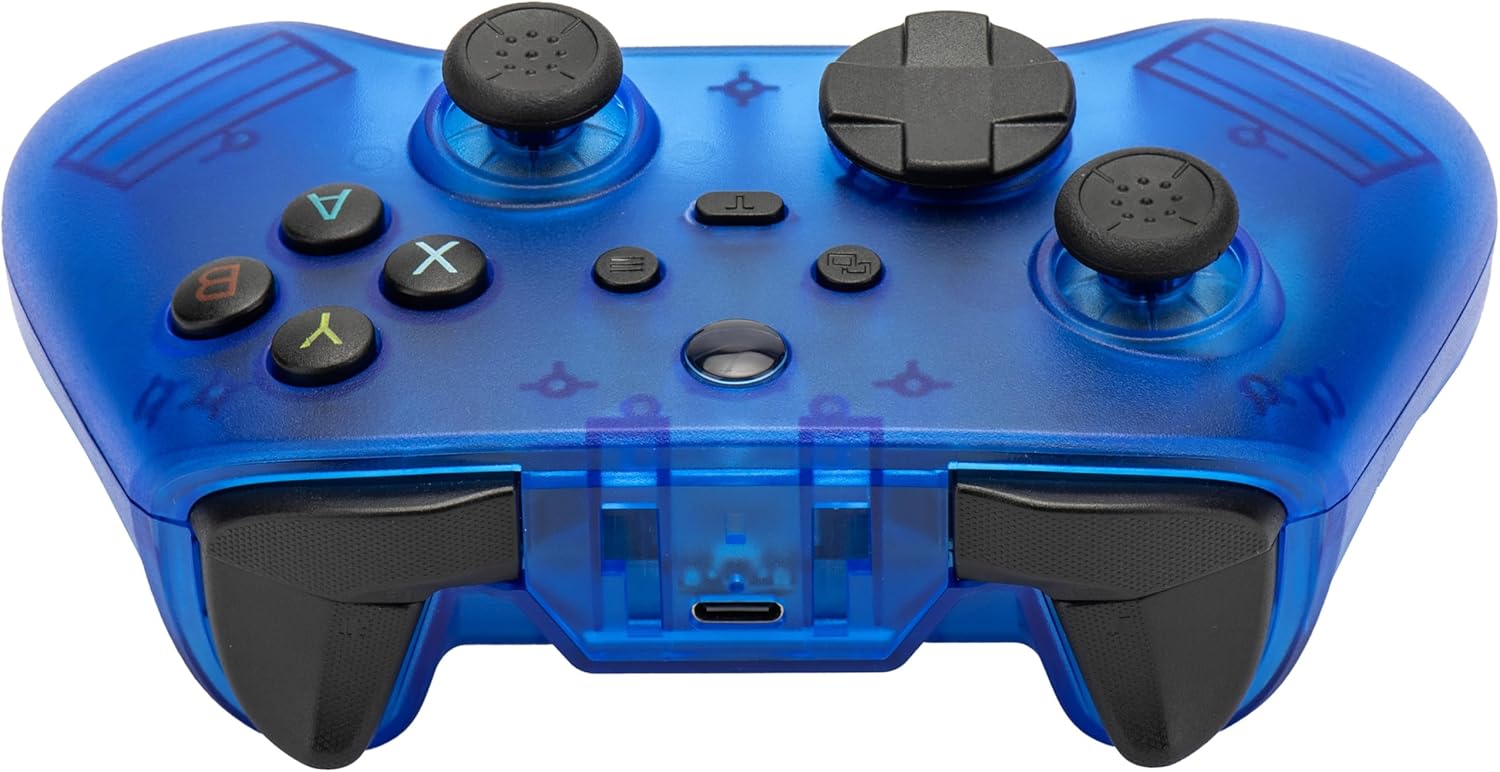
Слика: напред view of the Qubick Wireless Controller, highlighting the USB Type-C charging port located at the top center.
2. Спарување со Nintendo Switch
- На вашата конзола Nintendo Switch, одете во менито HOME.
- Изберете „Контролери“ > „Промена на зафат/редослед“.
- Press and hold the pairing button on the Qubick Wireless Controller until the LED indicators begin to flash rapidly.
- Once paired, the controller's LED will remain solid, indicating a successful connection.
3. Pairing with PC
- Ensure the controller is in the correct PC mode (Xinput). Use the mode change button if necessary.
- Connect the controller to your PC via the USB Type-C cable, or follow Bluetooth pairing instructions if your PC supports it.
- For Bluetooth, go to your PC's Bluetooth settings, enable Bluetooth, and search for new devices. Select the Qubick Wireless Controller when it appears.
4. Префрлување режим
The controller supports multiple modes: V3, MFi, Xinput, Switch, and 2.4G. Use the dedicated mode change button to cycle through these options to match your device's requirements.
Упатства за работа
1. Распоред на копчиња
Familiarize yourself with the controller's buttons:
- Аналогни стапчиња: Left and Right for movement and camera control.
- D-Pad: Насочен влез.
- Копчиња за лице (A, B, X, Y): Примарни копчиња за акција.
- Shoulder Buttons (L, R) and Triggers (ZL, ZR): Additional action inputs.
- Копче за почеток: Се враќа на почетниот екран на конзолата.
- Копчиња плус (+) / минус (-): Системски функции.
- Копче за слика од екранот: Снима слики од екранот.
- M1 / M2 Buttons: Programmable back buttons.

Слика: Аголна предна страна view of the Qubick Wireless Controller, showing the arrangement of all primary buttons and analog sticks.
2. Turbo and Auto Turbo Function
The controller supports Turbo and Auto Turbo functions for rapid button presses.
- За да го активирате Turbo: Press and hold the desired action button, then press the Turbo button. The button will now rapidly repeat its input when held down.
- To activate Auto Turbo: Press the desired action button, then press the Turbo button twice. The button will now rapidly repeat its input without being held down.
- To deactivate Turbo/Auto Turbo: Repeat the activation steps for the specific button, or clear all Turbo settings by holding the Turbo button for 5 seconds.
3. Прилагодување на вибрации
The dual-motor vibration system has 3 intensity levels. To adjust, press and hold the vibration adjustment button (refer to controller diagram for location) and use the D-pad Up/Down to cycle through intensity levels.
4. Six-Axis Motion Sensor Calibration
If motion controls feel inaccurate, you can recalibrate the Six-Axis sensor. Refer to the specific instructions provided in the console's system settings or the full online manual for detailed calibration steps.
5. Programmable Back Buttons (M1/M2)
The M1 and M2 buttons on the back of the controller can be programmed to replicate other button inputs.

Слика: Назад view of the Qubick Wireless Controller, clearly showing the M1 and M2 programmable buttons on the grips.
- За програмирање: Press and hold the 'Program' button (usually a small button near M1/M2) until the indicator light flashes.
- Press the M1 or M2 button you wish to program.
- Press the button (or sequence of buttons) you want M1/M2 to emulate.
- Press the 'Program' button again to save the setting. The indicator light will stop flashing.
6. LED индикатори
The controller features LED indicators to display its status:
- Трепкачки LED диоди: Indicates pairing mode or low battery.
- Solid LED(s): Indicates successful connection and player number (for Switch).
- Pulsing LED: Означува дека полнењето е во тек.
- LED Off (when connected to power): Означува целосно наполнето.
Одржување
1. Чистење
Користете мека, сува крпа за чистење на контролерот. За тврдокорна нечистотија, малкуampen the cloth with water. Do not use harsh chemicals or abrasive cleaners, as these can damage the surface.
2. Складирање
Чувајте го контролерот на ладно и суво место, подалеку од директна сончева светлина и екстремни температури. Избегнувајте поставување тешки предмети врз контролерот.
3. Нега на батерии
To prolong battery life, avoid fully discharging the controller frequently. If storing for an extended period, charge the battery to approximately 50% every few months.
Решавање проблеми
- Контролерот не се поврзува:
Ensure the controller is charged. Verify it is in the correct mode for your device (Switch, Xinput for PC). Re-attempt the pairing process. If using Bluetooth, ensure your device's Bluetooth is enabled and discoverable. - Buttons or sticks unresponsive:
Check if the controller is properly connected. Restart the controller and the console/PC. If the issue persists, a factory reset (if available, refer to online manual) might be necessary. - Проблеми со полнењето:
Ensure the USB Type-C cable is securely connected to both the controller and the power source. Try a different USB port or charging cable. - Vibration not working or too weak/strong:
Adjust the vibration intensity as described in the 'Operating Instructions' section. Ensure the game you are playing supports vibration feedback. - Motion controls inaccurate:
Perform a Six-Axis motion sensor calibration as described in the 'Operating Instructions' section.
Спецификации
| Бренд | Qubick |
| Модел | Wireless Controller (NSW) |
| Компатибилност | Nintendo Switch, NS2, PC |
| Поврзување | Напредна безжична технологија |
| Предизвикувачи | Hall Effect Technology |
| Аналогни стапчиња | Precise Analog Sticks |
| Сензор за движење | Six-Axis with Calibration Function |
| Вибрации | Dual Motor with 3 Intensity Levels |
| Батерија | Integrated 400 mAh Li-ion Rechargeable Battery |
| Порта за полнење | USB тип-C |
| Програмабилни копчиња | M1 / M2 Back Buttons |
| Димензии | Приближно 16 x 12 x 8 cm |
| Тежина | Приближно 350 гр |
Гаранција и поддршка
For warranty information, technical support, or to download the latest version of this manual, please visit the official Qubick webсајт.
Official Manuals and Support: https://www.qubick.it/manuali
This product is manufactured by Cidiverte.
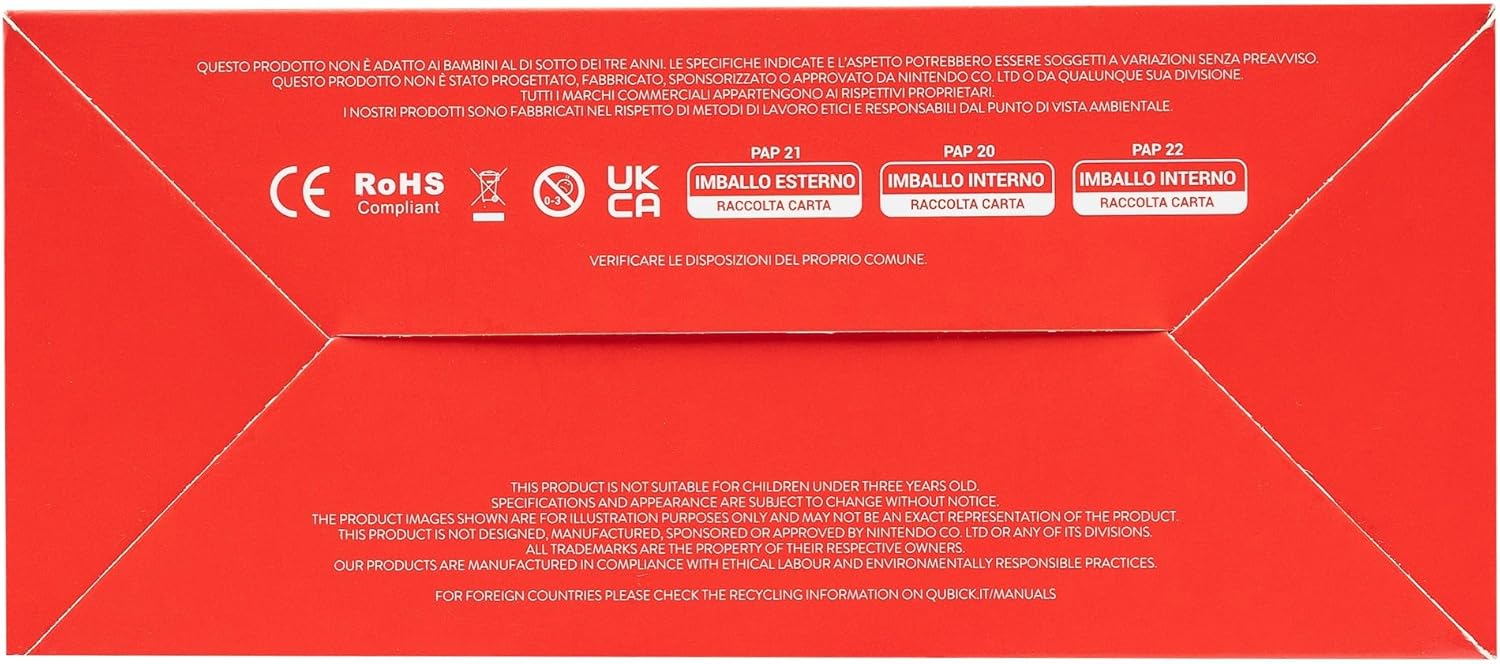
Image: Packaging of the Qubick Wireless Controller, displaying multilingual product information and a QR code linking to the online manual.
Image: Product packaging bottom, showing CE, RoHS, UKCA compliance marks and recycling information for cardboard packaging.


