Вовед
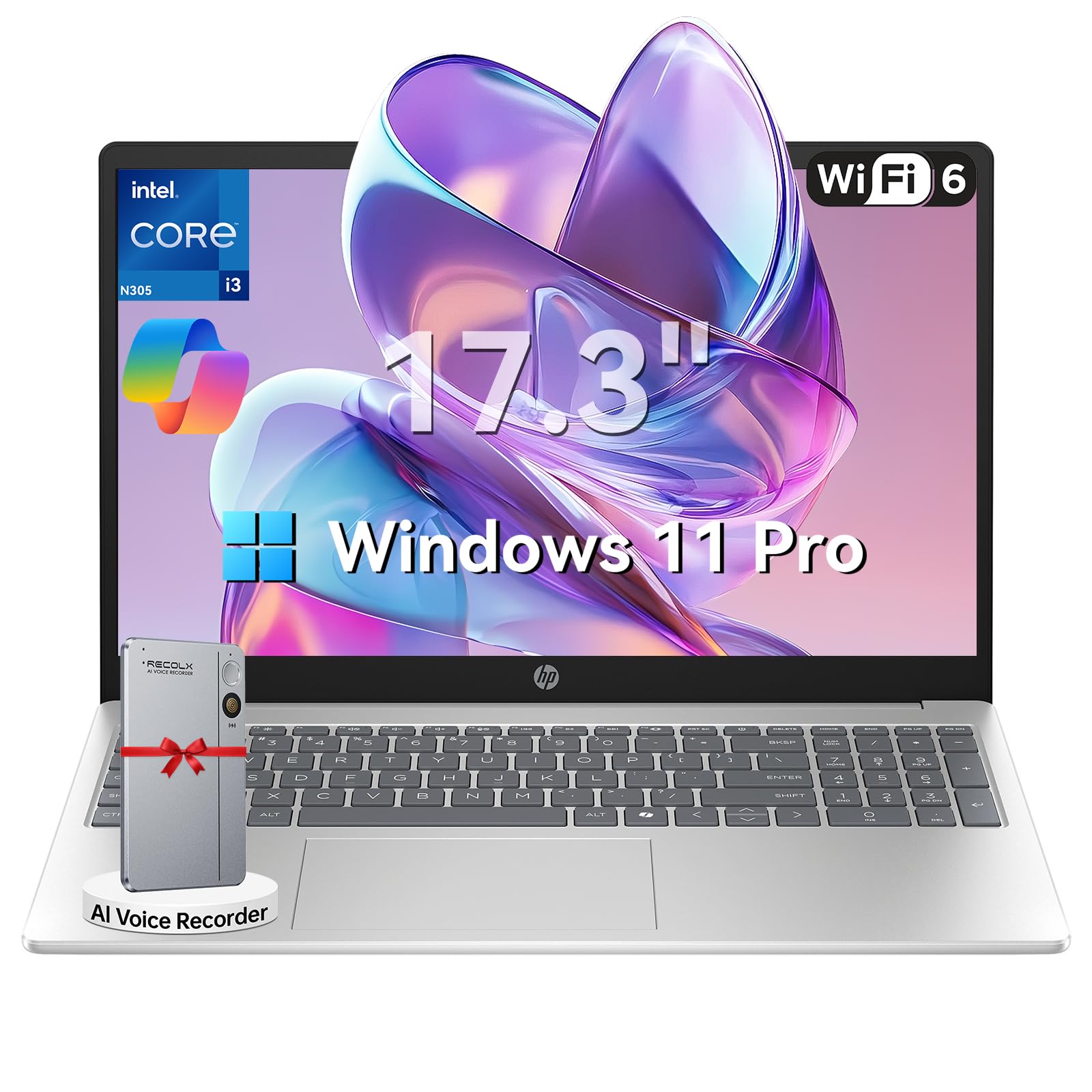
This manual provides essential information for setting up, operating, maintaining, and troubleshooting your HP 17.3" Laptop. Designed for productivity and entertainment, this laptop features an 8-core Intel Core i3-N305 processor, 16GB DDR4 RAM, and a 512GB PCIe NVMe SSD, running on Windows 11 Pro. Its 17.3-inch Full HD IPS anti-glare display offers clear visuals, and the integrated Microsoft Copilot AI assistant enhances user experience. Please read this manual thoroughly to ensure optimal performance and longevity of your device.

Image: The HP 17.3" Laptop, showcasinнеговиот елегантен дизајн и голем екран.
Поставување
1. Откачување и првична проверка
Carefully remove the laptop and all accessories from the packaging. Ensure all components listed in the 'What's in the Box' section of your product documentation are present and undamaged. The packaging includes the laptop, power adapter, instruction manual, and a G255 Accessory Kit.
Видео: Распакување и повеќеview of the laptop's physical features and ports. Note: This video features an 18.5-inch model, but the unboxing process and port types are generally similar.
2. Вклучување и почетна конфигурација
- Поврзете го адаптерот за напојување со приклучокот за напојување на лаптопот, а потоа со ѕидниот штекер.
- Отворете го капакот на лаптопот и притиснете го копчето за вклучување.
- Следете ги упатствата на екранот за да го завршите поставувањето на Windows 11 Pro, вклучувајќи го изборот на јазик, мрежната врска и креирањето на корисничка сметка.
3. Поврзување периферни уреди
Вашиот HP лаптоп е опремен со различни порти за поврзување на надворешни уреди:
- USB-A порти: Поврзете USB уреди како што се глувци, тастатури или надворешни дискови за складирање.
- USB-C порта: За пренос на податоци и поврзување на компатибилни USB-C уреди.
- HDMI 1.4b порт: Поврзете се со надворешен монитор или телевизор за подолг приказ.
- Комбиниран приклучок за слушалки/микрофон: За аудио излез и влез.

Image: Detailed diagram illustrating the various ports available on the HP laptop.
Упатства за работа
1. Тастатура и тачпед
The laptop features a full-size keyboard with a numeric keypad and a responsive touchpad. Use the touchpad for navigation, clicking, and multi-touch gestures. The keyboard provides a comfortable typing experience for extended use.
2. Приказ и визуелни елементи
The 17.3-inch Full HD (1920 x 1080) IPS anti-glare display offers wide viewing angles and reduces reflections, providing a comfortable viewing experience for work, study, and entertainment.

Image: The HP laptop's 17.3" Full HD anti-glare display, ideal for comfortable viewинг.
3. Перформанси и мултитаскинг
Powered by an 8-core Intel Core i3-N305 processor and 16GB DDR4 RAM, the laptop delivers smooth performance for multitasking, video conferencing, and various applications. The 512GB PCIe NVMe SSD ensures fast boot-up and quick access to files.
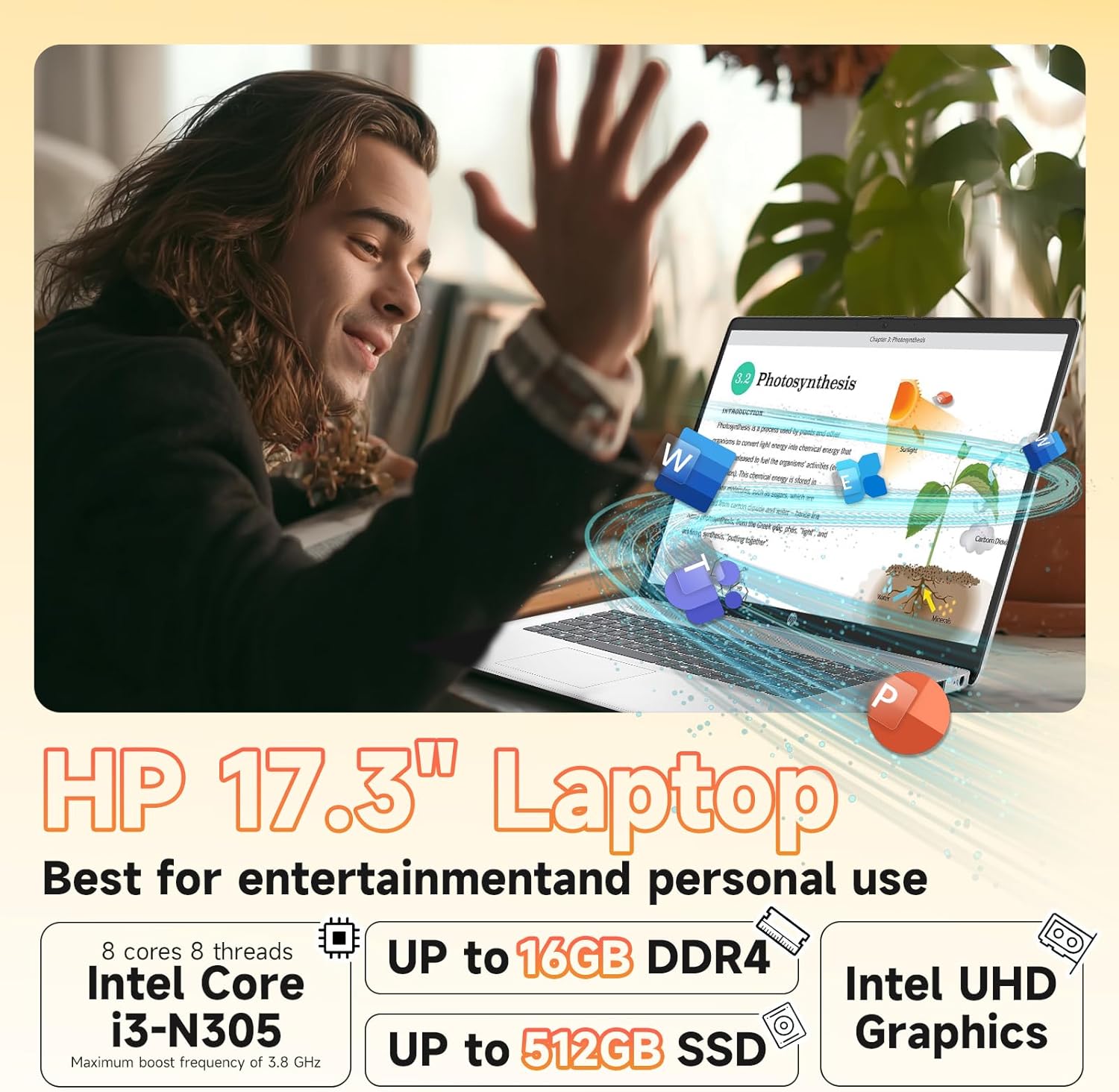
Image: Visual representation of the laptop's core components: Intel Core i3-N305 processor, 16GB DDR4 RAM, and 512GB SSD.
4. Поврзување
Stay connected with Wi-Fi 6 (2x2) for faster and more stable wireless internet access, and Bluetooth 5.4 for connecting wireless peripherals like headphones and mice.

Image: The HP laptop emphasizing its advanced Wi-Fi 6 and Bluetooth 5.4 connectivity features.
5. Webcam and Privacy
Интегрираниот HD webcam includes a physical privacy shutter. Slide the shutter to cover the camera lens when not in use to ensure your privacy. The laptop also features a microphone mute button for enhanced security during calls.
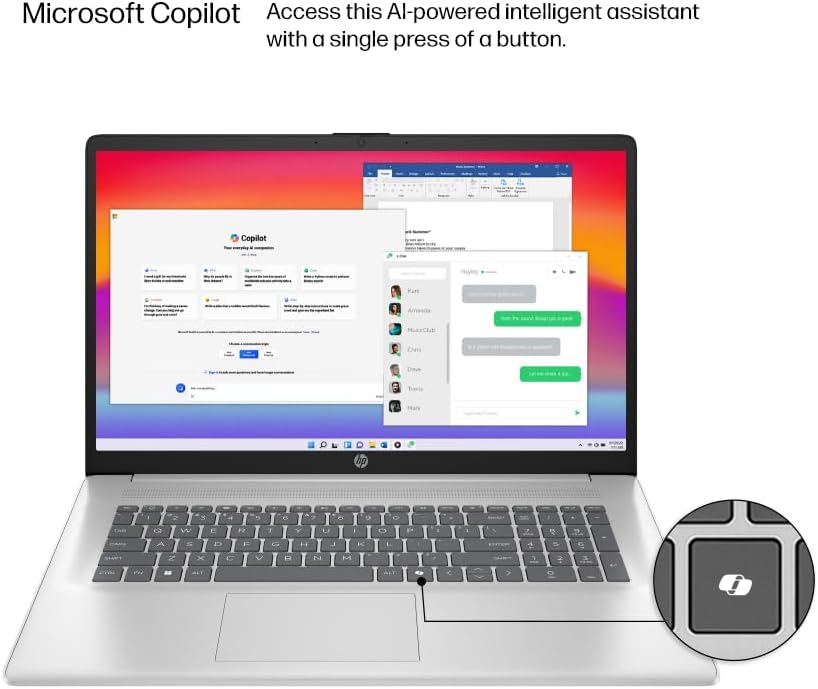
Image: The HP laptop keyboard, highlighting the dedicated Microsoft Copilot key for quick AI assistant access.
6. Microsoft Copilot AI Assistant
Utilize the integrated Microsoft Copilot AI assistant in Windows 11 Pro to streamline tasks, find answers, and get intelligent help for your projects. Access it with a single key press.
7. Животен век на батеријата и полнење
The laptop offers up to 9.5 hours of battery life. HP Fast Charge technology allows you to charge the battery to approximately 50% in just 45 minutes.
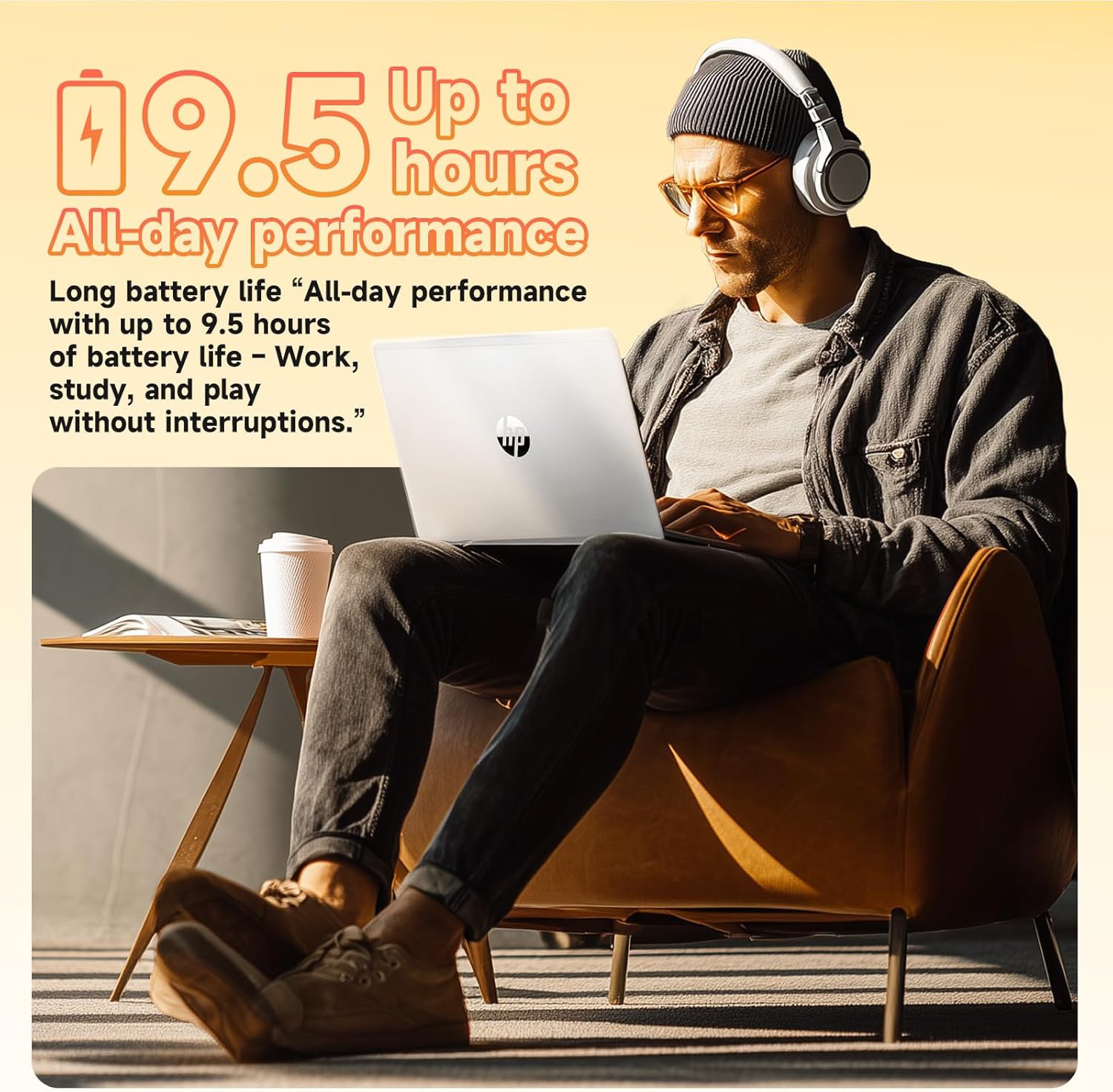
Image: A user enjoying the HP laptop, illustrating its long battery life for all-day performance.
Видео: Службено лице завршиview of the HP 2026 17.3" FHD Laptop, highlighting its key features and design.
Одржување
1. Чистење на вашиот лаптоп
- Use a soft, lint-free cloth to clean the screen and exterior surfaces. Avoid abrasive materials or harsh chemicals.
- For the anti-glare screen, use a screen cleaner specifically designed for electronics.
- Gently clean the keyboard with compressed air to remove dust and debris.
2. Софтверски ажурирања
Редовно проверувајте и инсталирајте ажурирања на Windows за да се осигурате дека вашиот систем ги има најновите безбедносни закрпи и подобрувања на перформансите. Одете на Поставки > Ажурирање на Windows за управување со ажурирања.
3. Нега на батерии
To prolong battery life, avoid extreme temperatures and fully discharging the battery frequently. It is recommended to keep the battery charge between 20% and 80% for optimal longevity.
Решавање проблеми
If you encounter issues with your HP laptop, consider the following basic troubleshooting steps:
- Без моќност: Проверете дали адаптерот за напојување е безбедно поврзан и дали штекерот е функционален. Обидете се со друг штекер.
- Прикажи проблеми: Ако екранот е празен, обидете се да поврзете надворешен монитор за да проверите дали проблемот е со екранот на лаптопот. Прилагодете ги поставките за осветленост.
- Проблеми со поврзување: For Wi-Fi issues, restart your router and the laptop. For Bluetooth, ensure the device is discoverable and within range.
- Бавни перформанси: Close unnecessary applications, check for malware, and ensure your system is up-to-date. Consider freeing up disk space.
- Webкамерата не работи: Ensure the physical privacy shutter is open. Check camera settings in Windows and application permissions.
За посложени проблеми, погледнете ја поддршката на HP. webсајт или контактирајте со службата за корисници.
Спецификации
| Карактеристика | Детал |
|---|---|
| Процесор | Intel® Core™ i3-N305 (8-core, up to 3.8 GHz, 6MB cache) |
| Меморија (RAM) | 16GB DDR4-3200 MHz RAM |
| Складирање | 512GB PCIe NVMe M.2 SSD |
| Оперативен систем | Windows 11 Pro |
| Приказ | 17.3" FHD (1920 x 1080), IPS, Anti-Glare, 178° viewинголен агол |
| Графика | Интегрирана графика Intel® UHD |
| Безжично поврзување | Wi-Fi 6 (2x2), Bluetooth® 5.4 |
| Webкамера | HD Webкамера со затворач за приватност |
| Аудио | HD Audio with stereo speakers |
| Пристаништа | 1 x HDMI 1.4b, 1 x USB-C, 2 x USB-A, 1 x Headphone/Microphone combo jack |
| Батерија | 3-cell, 41 Wh Lithium-ion (Up to 9.5 hours battery life) |
| Димензии (во) | 14.12 x 9.24 x 0.75 инчи |
| Тежина | 4.6 фунти |
| Боја | Природно сребро |
| Еко карактеристики | ENERGY STAR® certified, EPEAT® Gold registered, made with recycled plastics |
Гаранција и поддршка
Информации за гаранцијата
Your HP 17.3" Laptop comes with a 1-годишна ограничена гаранција за хардвер. This warranty covers manufacturing defects and hardware malfunctions under normal use conditions. Please retain your proof of purchase for warranty claims.
Поддршка за корисници
For technical assistance, troubleshooting, or warranty service, please visit the official HP Support website or contact HP customer service. You can find detailed support resources, drivers, and contact information on their webсајт.
Additionally, the laptop includes a 30-day McAfee trial with Smart AI for security. For any issues related to the G255 Accessory Kit, please refer to its specific documentation or contact the accessory provider.