1. Вовед
The Rapoo MT550 is a versatile multi-device wireless mouse designed for enhanced productivity and comfort. This manual provides detailed instructions for setting up, operating, and maintaining your MT550 mouse, ensuring optimal performance across various devices.
Главните карактеристики вклучуваат:
- Multi-device connectivity (Bluetooth 3.0, Bluetooth 4.0, and 2.4G wireless)
- Adjustable DPI settings (600/1000/1300/1600)
- Ергономски дизајн за удобно користење
- Long battery life of up to 12 months
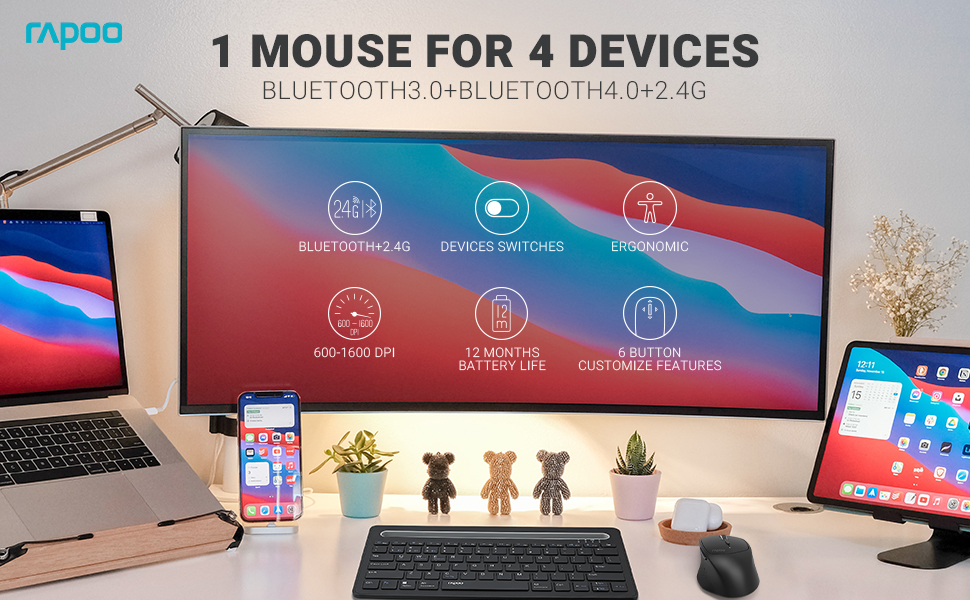
Image: The Rapoo MT550 mouse, highlighting its design for endurance, versatility, and comfort.
2. Поставување
2.1. Инсталација на батерија
The Rapoo MT550 mouse requires two AA batteries (included). To install:
- Пронајдете го капакот на преградата за батерии на долната страна од глувчето.
- Отворете го капакот.
- Вметнете две AA батерии, внимавајќи на правилниот поларитет (+/-).
- Затворете го капакот на преградата за батерии.
2.2. Connecting via 2.4G Wireless (USB Receiver)
For a 2.4G wireless connection:
- Вклучете го глувчето користејќи го прекинувачот ВКЛУЧЕНО/ИСКЛУЧЕНО на долната страна.
- Locate the USB receiver stored in the battery compartment.
- Вметнете го USB-приемникот во достапна USB порта на вашиот компјутер.
- The mouse should automatically connect. If not, press the device switch button until the indicator for channel 4 (usually indicated by a specific light pattern or number) is active.
2.3. Поврзување преку Bluetooth
The Rapoo MT550 supports up to three Bluetooth connections. To connect:
- Вклучете го глувчето користејќи го прекинувачот ВКЛУЧЕНО/ИСКЛУЧЕНО.
- Short press the device switch button to select a Bluetooth channel (1, 2, or 3). The corresponding indicator light will illuminate.
- Press and hold the Bluetooth pairing button (often located near the device switch button) for approximately 3 seconds until the indicator light for the selected channel starts flashing rapidly. This indicates the mouse is in pairing mode.
- On your device (computer, laptop, tablet, phone), enable Bluetooth and search for new devices.
- Select "Rapoo MT550" from the list of available devices to complete the pairing process.
- Repeat these steps to pair with up to two additional Bluetooth devices on channels 2 and 3.

Image: Labeled diagram of the Rapoo MT550 mouse, indicating the location of the ON/OFF switch, Bluetooth button, device switch button, battery slot, USB receiver, DPI button, scroller, and other buttons.
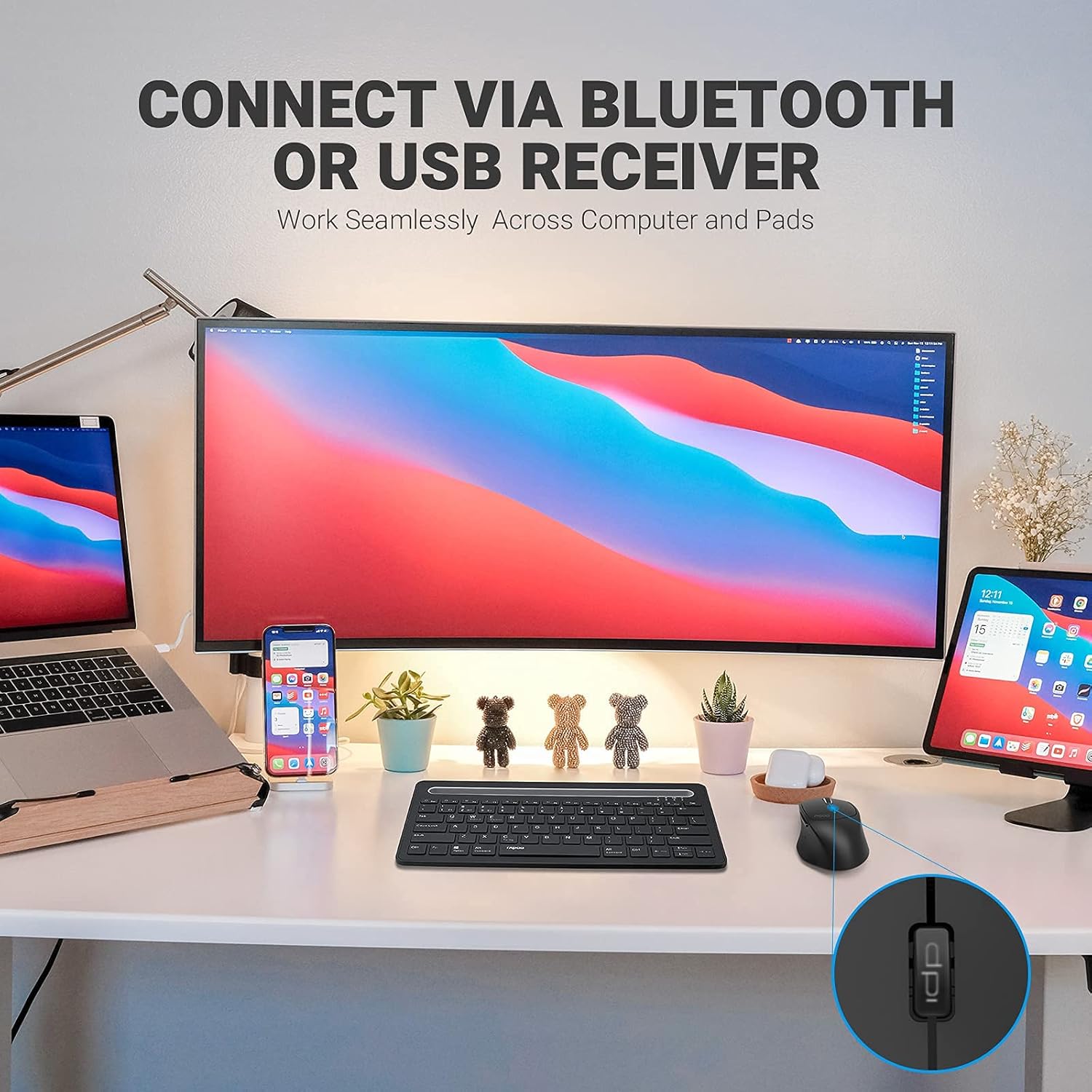
Image: A workstation demonstrating the Rapoo MT550 mouse connecting to multiple devices via Bluetooth or USB receiver.
3. Упатства за работа
3.1. Префрлување помеѓу уреди
To switch between your connected devices:
- Short press the device switch button located on the underside of the mouse.
- Each press will cycle through the connected channels (1, 2, 3 for Bluetooth, 4 for 2.4G USB receiver). The corresponding indicator light will show the active channel.
3.2. Прилагодување на DPI (чувствителност)
The MT550 mouse features four adjustable DPI settings for precise control:
- Press the DPI button, located behind the scroll wheel, to cycle through the available settings: 600, 1000, 1300, and 1600 DPI.
- The indicator light will briefly change to reflect the selected DPI level.

Слика: Крупен план view of the DPI button on the Rapoo MT550 mouse, with the indicator light showing the current DPI setting.
3.3. Using Forward/Back Buttons
The two thumb buttons on the side of the mouse provide quick navigation:
- The forward button advances to the next page or folder.
- The back button returns to the previous page or folder.
4. Одржување
4.1. Чистење
To maintain the appearance and functionality of your mouse:
- Користете мека, сува крпа за да ја избришете површината на глувчето.
- Avoid using harsh chemicals, abrasive cleaners, or solvents, as these can damage the finish.
4.2. Замена на батеријата
When the low battery indicator appears or the mouse becomes unresponsive, it's time to replace the batteries:
- Следете ги чекорите за инсталирање на батеријата наведени во Дел 2.1.
- Ensure you use two fresh AA batteries and insert them with the correct polarity.
4.3. Складирање
When not in use for extended periods, store the mouse in a dry, cool environment away from direct sunlight and extreme temperatures.
5 Смена на проблеми
If you encounter issues with your Rapoo MT550 mouse, refer to the following troubleshooting steps:
5.1. Глувчето не реагира
- Проверете ја моќноста: Ensure the mouse is turned on using the ON/OFF switch.
- Проверете ги батериите: Проверете дали батериите се правилно инсталирани и имаат доволно полнење. Заменете ги доколку е потребно.
- 2.4G приемник: For 2.4G connection, ensure the USB receiver is securely plugged into a working USB port on your computer. Try a different USB port.
- Bluetooth конекција: For Bluetooth, ensure Bluetooth is enabled on your device and the mouse is paired to the correct channel. Try re-pairing the mouse if the connection is lost.
5.2. Повремена врска или доцнење
- Близина: Move the mouse closer to your computer or device to ensure a strong signal.
- Пречки: Avoid using the mouse near other wireless devices (e.g., Wi-Fi routers, cordless phones) that might cause interference.
- Површина: Ensure you are using the mouse on a suitable surface. While the MT550 is designed for various surfaces, extreme textures or reflective surfaces can affect tracking.
5.3. DPI не се менува
- Ensure you are pressing the dedicated DPI button, not another button.
- Ако проблемот продолжи, обидете се повторно да го исклучите и вклучите глувчето.
6. Спецификации
| Димензии на производот | 3.93 x 2.55 x 1.57 инчи |
| Тежина на ставката | 5.3 унци |
| Батерии | 2 AA батерии (вклучени) |
| Технологија за поврзување | Bluetooth (3.0/4.0) and 2.4G Wireless |
| Технологија за откривање на движење | Оптички |
| Прилагодлив ДПИ | 600 / 1000 / 1300 / 1600 |
| Број на копчиња | 6 (Left, Right, Scroll, DPI, Forward, Back) |
| Траење на батеријата | До 12 месеци (под нормални услови) |
7. Гаранција и поддршка
Rapoo provides the following coverage for your MT550 Multi-Device Wireless Mouse:
- Гаранција: 3-year worry-free warranty.
- Политика за враќање: 180-дневна гаранција за враќање на парите.
For further assistance, technical support, or warranty claims, please visit the official Rapoo webсајт или контактирајте со нивниот оддел за услуги на клиентите.


